World clock.
Your cities' clocks side by side, each with its offset from home and its date. A meeting planner lines up one day hour by hour and marks when most cities are at work.
World clock.
Need the UI around it? With Pro, your AI agent builds the form, the result card and the rest of the page from a prompt.
Get ProHow it works
4 steps, no account. It runs in your browser and nothing is uploaded.
Add your cities
Seven cities and your own zone to start; Add a city searches every zone your browser knows, up to 12.
Pick a home
Each clock then shows its offset from home, its date, and a sun or moon for day or night.
Plan a meeting
Pick a date and set business hours; the planner marks the hours that suit the most cities.
Copy the time
Click an hour to see it in every city, then copy the list for an invite.
Related tools
More productivity. Every one free, in the browser.
Pricing
Build it with Pro
The tool is free. Pro adds 6,000+ blocks, premium templates and the MCP server, so your AI editor builds the product around it.
4.9/5 out of 5 · 150+ reviewsfrom 150+ founders and developers.
- Secure checkout via Stripe
- Code lives in your repo
- Keep what you've shipped if you cancel
- License terms
Questions and answers
Before you trust the result: what to know about the format, the limits, your data and the tools next to it.
It starts with Los Angeles, New York, London, Berlin, India's zone (shown as Mumbai, Delhi), Tokyo and Sydney, plus your own zone, marked You. Remove a city with its cross and add others from Add a city, up to 12 in the list. Your own zone always stays.
Each clock gives the zone's short name and its difference from your home zone, such as +5:30 h, −8 h or Same time. The home clock shows its offset from UTC instead. A city already on the next or previous day says Tomorrow or Yesterday beside its date.
Yes. Offsets come from your browser's own time zone tables and are worked out for the moment shown, so a city that has changed its clocks shows its new offset. The planner does the same for the date you pick, so a meeting next month is checked against that month's offsets.
A sun when it is between 07:00 and 19:00 in that city, a moon at other hours. It is a quick sign of whether someone is likely awake, not the real sunrise and sunset.
Set business hours with the slider (9 to 17 to start) and pick a date. The planner shows 24 hours from midnight in your home zone, a row for each city, with its business hours shaded on weekdays and its night, 22:00 to 06:00, set apart. The top row counts the cities in business hours each hour and highlights the hours that suit the most, and the line under the planner names them.
Click an hour in the top row; until you do, the first of the best hours is picked. The panel below lists that moment in every city with its date, and its copy button takes the list as text, one city per line.
Yes, with the Clock choice in the bar: 24 h or 12 h. It starts in the format your browser's language uses, and the planner and the meeting list follow it.
Nothing is uploaded: every time is worked out in your browser. Your cities, home zone and business hours are saved in this browser's localStorage, so the page opens the same way next time. The 12- or 24-hour choice and the planner's date are not saved.
No. The "World clock" tool is free and opens without a sign-in, an account or an install.
Up to 12 in your list, plus your own zone, which is always shown and marked You. It starts with 7, from Los Angeles to Sydney.
One localStorage entry on this device, holding your list of cities, your home zone and your business hours. The 12- or 24-hour choice and the planner's date are not kept, and nothing is sent to a server.
9:00 to 17:00, Monday to Friday, in each city's own time. Change them with the Business hours slider; an hour counts only when it lies wholly inside them.
Yes. Add a city searches every zone your browser knows, by city name or by zone id such as Asia/Kathmandu, and the offsets and daylight saving come from the browser's own tables.
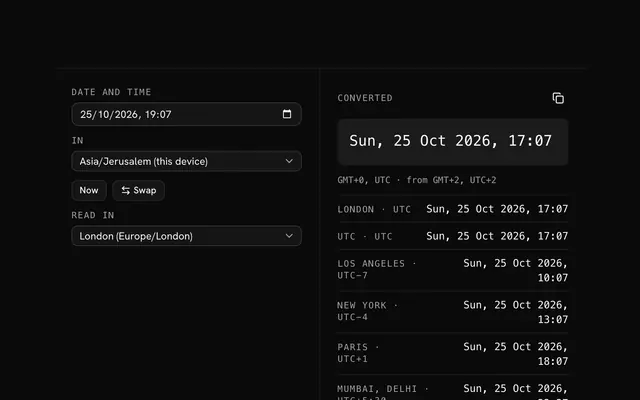
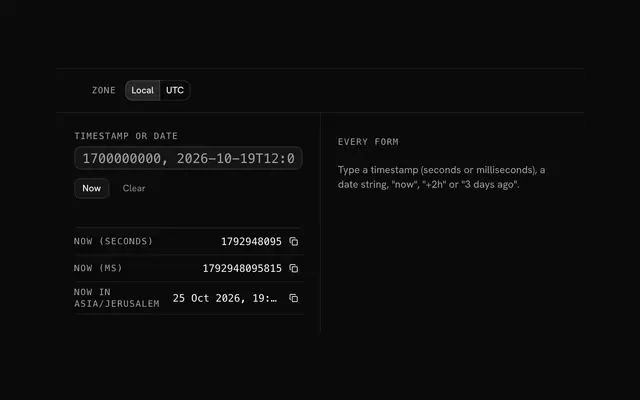
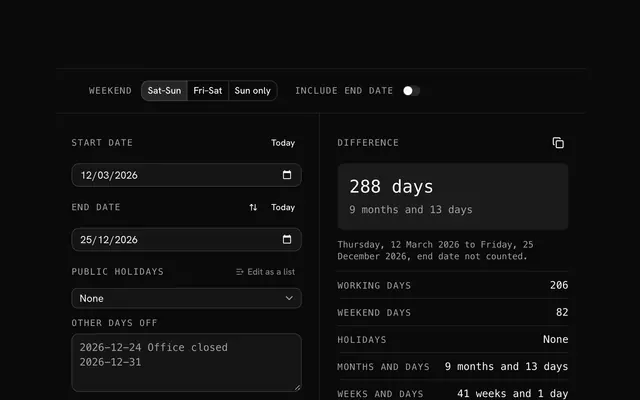
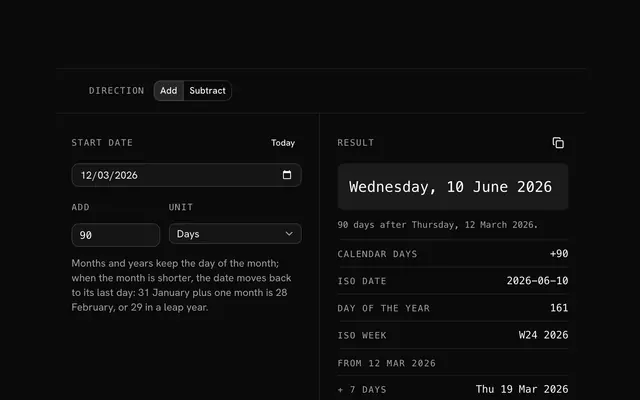
Closest to the "World clock" tool: Time zone converter, Unix timestamp converter, Date difference calculator, Add days to a date. Each opens on its own page, free and in the browser.
The "World clock" tool is one of 6 in its group. The group's page, /tools/productivity, lists them all.
The tool is free. Its interface is built from shadcn.io's own components (Button, Input, Slider and the rest of the registry under /ui), which come in React, Vue, Svelte and Solid. Pro adds the blocks and templates for the product around it.
4.9 out of 5 from 150+ developers


Build the product around it
Every block, template and icon, installed by your AI agent in your theme. The tools stay free.
Get Pro