Pomodoro timer.
Focus for 25 minutes, break for 5, and take a long break after every fourth session. A chime marks each end, and today's pomodoros are counted in this browser.
Pomodoro timer.
Need the UI around it? With Pro, your AI agent builds the form, the result card and the rest of the page from a prompt.
Get ProHow it works
4 steps, no account. It runs in your browser and nothing is uploaded.
Set the lengths
Focus, short break, long break and the sessions before the long one; 25, 5, 15 and 4 to start.
Start
Press Start or Space; the face, the strip of the set and the tab title count down.
Take the break
A chime marks the end and the next phase waits for you, or starts itself with Auto-start on.
Keep count
Each finished focus session adds to today's count; Skip moves on without counting.
Related tools
More productivity. Every one free, in the browser.
Pricing
Build it with Pro
The tool is free. Pro adds 6,000+ blocks, premium templates and the MCP server, so your AI editor builds the product around it.
4.9/5 out of 5 · 150+ reviewsfrom 150+ founders and developers.
- Secure checkout via Stripe
- Code lives in your repo
- Keep what you've shipped if you cancel
- License terms
Questions and answers
Before you trust the result: what to know about the format, the limits, your data and the tools next to it.
A way of working in timed blocks from Francesco Cirillo: 25 minutes on one task, then a 5-minute break. After four of these comes a longer break of 15 to 30 minutes. The timer starts with 25, 5 and 15 minutes and a long break after every fourth session.
Yes, under Lengths. Focus runs from 1 to 120 minutes, the short break from 1 to 60, the long break from 1 to 90, and the long break can come after every 1 to 12 sessions. A phase that hasn't started takes the new length at once; one under way keeps its time.
With Sound on, a chime plays: three falling notes when focus ends, two rising ones when a break ends. The browser makes them itself, with no sound file. The next phase is then ready and waits for Start, or begins by itself when Auto-start is on.
Yes. The timer measures what is left against the clock rather than counting ticks, so the face is right when you come back. Once a phase has started, the tab's title shows the time left and the phase, or Paused, so you can read it from another tab.
Press Start or the Space bar; Space works while the timer is on screen and no field or button has the focus. Skip moves to the next phase without counting the one you left, and the reset button puts the current phase back to its full length. The Phase choice jumps straight to focus, a short break or the long break.
Press Notify me and allow notifications when the browser asks; a Notify switch then takes its place. A notification shows at the end of a phase only when the page isn't in front, since the page says it when it is. If notifications are blocked for the site, the note under the timer says so.
Each focus session that runs to its end adds one to today's count, with a dot for each, and the line under it gives the total for the last seven days. Skipped sessions don't count. Clear history empties it.
Nothing is uploaded. Your lengths and switches are saved in this browser's localStorage, and so is the number of finished pomodoros for each of the last 30 days. Clear history removes the counts; clearing the site's data removes both.
No. The Pomodoro timer is free and opens without a sign-in, an account or an install.
25 minutes of focus, a 5-minute short break and a 15-minute long break after every 4 sessions. Change any of them under Lengths; they are kept for your next visit.
Focus runs from 1 to 120 minutes, the short break from 1 to 60, the long break from 1 to 90, and the long break comes after every 1 to 12 sessions.
Two localStorage entries on this device: your lengths and switches, and the number of finished pomodoros for each of the last 30 days. Clear history empties the counts, and nothing is sent to a server.
No. Only a focus session that runs to its end is counted; Skip moves to the next phase and leaves the count as it was.
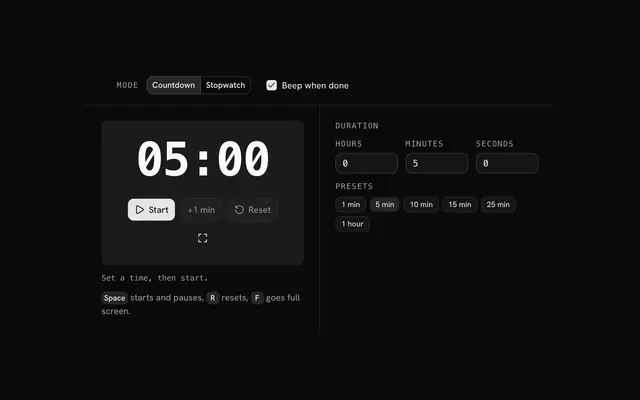
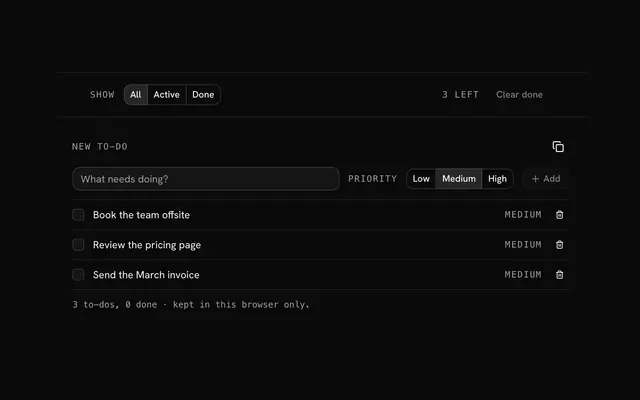
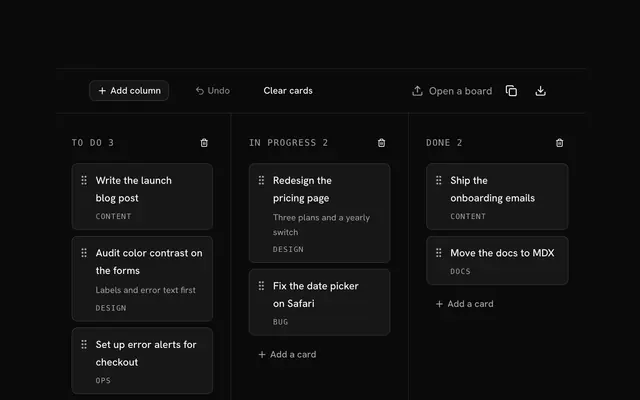
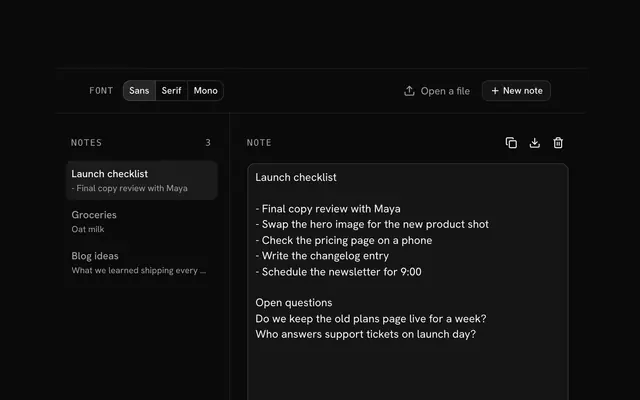
Closest to the Pomodoro timer: Timer and stopwatch, To-do list, Kanban board, Online notepad. Each opens on its own page, free and in the browser.
The Pomodoro timer is one of 6 in its group. The group's page, /tools/productivity, lists them all.
The tool is free. Its interface is built from shadcn.io's own components (Button, Input, Slider and the rest of the registry under /ui), which come in React, Vue, Svelte and Solid. Pro adds the blocks and templates for the product around it.
4.9 out of 5 from 150+ developers


Build the product around it
Every block, template and icon, installed by your AI agent in your theme. The tools stay free.
Get Pro