Productivity.
Timers, clocks, notes and boards, kept in your browser. 6 tools, free, each running in your browser with nothing uploaded.
Every one of the productivity
6 tools.
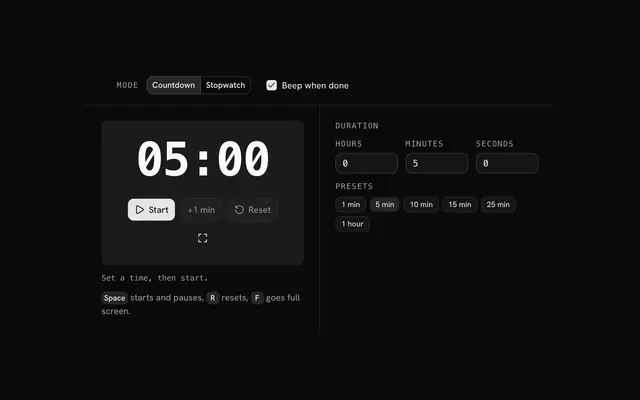 Timer and stopwatchTimeA countdown with presets and a beep, or a stopwatch with laps, on a face you can put full screen.
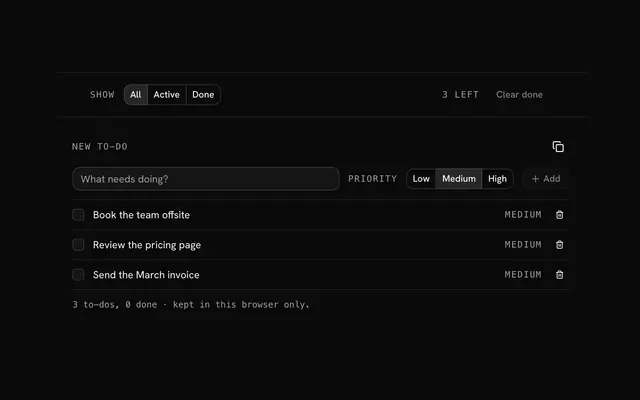 To-do listLists and boardsA to-do list for the day's work: add tasks with a priority, tick them off, filter what is left.
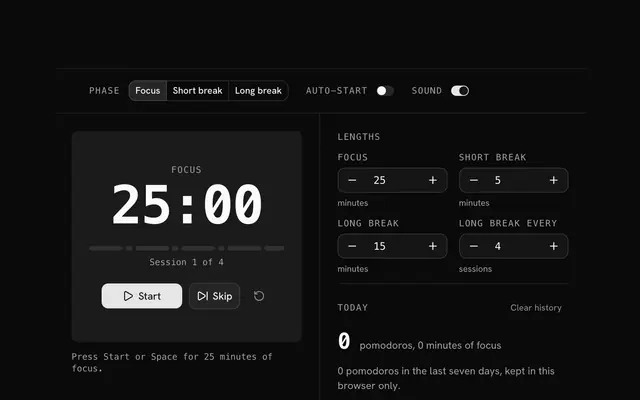 Pomodoro timerTimeFocus for 25 minutes, break for 5, and take a long break after every fourth session.
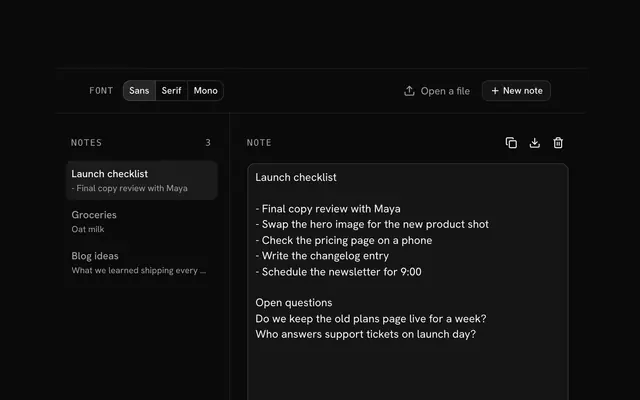 Online notepadNotesA notepad that keeps your notes in this browser as you type, with word counts and a .txt download.
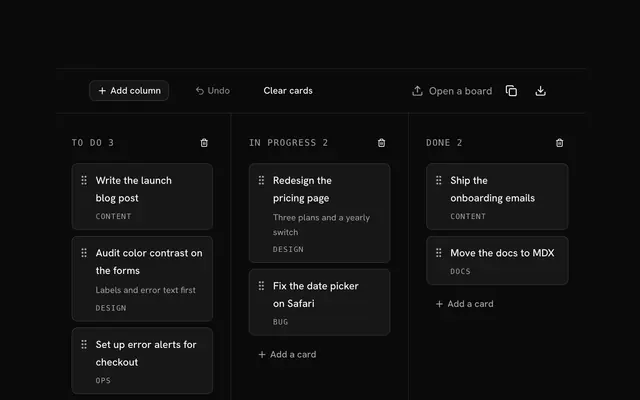 Kanban boardLists and boardsA kanban board kept in your browser: drag cards between columns, or move them with the arrow keys.
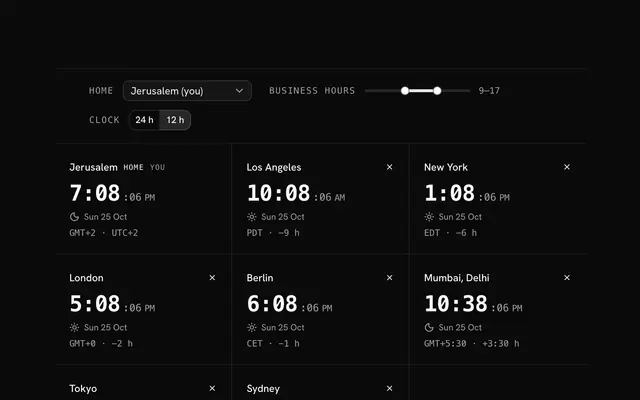 World clockTimeYour cities' clocks side by side, each with its offset from home and its date.
Need the product around them? With Pro, your AI agent builds the form, the result card and the rest of the page from a prompt, in your theme.
Get ProOther categories
More free tools. Every category runs in the browser, with nothing uploaded.
Pricing
Free tools, and the product around them with Pro
The tools are free. Pro adds 6,000+ blocks, premium templates and the MCP server, so your AI editor builds the product around them.
4.9/5 out of 5 · 150+ reviewsfrom 150+ founders and developers.
- Secure checkout via Stripe
- Code lives in your repo
- Keep what you've shipped if you cancel
- License terms
FAQ
Frequently asked questions
What the productivity can and can't do, how they treat your files and which to pick.
There are 6 tools: timer and stopwatch, to-do list, pomodoro timer, online notepad, kanban board and world clock. Two count time, one follows the time around the world, and three keep your lists, notes and boards.
No. Every one runs in your browser and makes no request with what you enter, and none needs an account.
The to-do list, the notepad, the kanban board, the Pomodoro timer and the world clock save their data in this browser's localStorage on your device, and nowhere else. The timer saves nothing.
No. Without an account there is nothing to sync with: your lists, notes and board live in one browser on one device. The notepad and the board download what they hold, to move it by hand.
Pick a preset (1 min, 5 min, 10 min, 15 min, 25 min, 1 hour) or type hours, minutes and seconds up to 99 hours, then press Start. Pause holds it and Reset clears it.
Switch the mode to Stopwatch, press Start and press Lap while it runs. Each lap is listed with its split from the one before and the total.
Yes. The timer measures elapsed time against the clock instead of counting ticks, so the face is right when you return to a tab the browser slowed down.
Three short tones from the browser's own oscillator, with no sound file. Untick Beep when done for a silent end.
Pomodoro is 25 minutes of work and a short break, and a 25 minute preset is there for it. Pick it for each work block.
In this browser's localStorage, on this device. It survives closing the tab and is gone if you clear the site's data.
Low, Medium, High, shown as a label on each row. They are a hint for you and not a sort order.
Type the task, pick a priority if medium is wrong, and press Enter or Add. Tick the box to finish it and press Clear done to remove everything ticked.
The Show choice switches between all tasks, the active ones and the done ones, and the count of what is left sits beside it.
In this browser's localStorage, a moment after you stop typing and again when you leave the page. Closing the tab loses nothing; clearing the site's data removes the notes.
Drag a card with the mouse, or with a finger by its grip handle, or focus the handle and press the arrow keys: up and down within its column, left and right to the next one.
The notepad downloads a note as a .txt file named after its first line. The kanban board copies itself as Markdown and downloads as JSON, which it can open again.
Yes. The notepad has Undo delete for a removed note; the kanban board's Undo, or Ctrl+Z, steps back through its last 30 changes.
Nothing leaves the page. The timers, their sounds, the clocks, the lists, the notes and the board are made in your browser, and the pages make no request with what you enter.
Clear the site's data in your browser settings, which empties every one of them at once, or delete the tasks, notes or cards in the tool itself. Because the data is only on your device, nobody else holds a copy.
No. The beep is generated in the page by the browser's oscillator, so no sound file is downloaded.
4.9 out of 5 from 150+ developers


Build the product around them
Every block, template and icon, installed by your AI agent in your theme. The tools stay free.
Get Pro