PDF to PNG converter.
Turn a PDF's pages into lossless PNG images, sharp enough for slides, docs and print. Pick the resolution and the pages; everything is drawn on your device.
PDF to PNG converter.
Need the UI around it? With Pro, your AI agent builds the form, the result card and the rest of the page from a prompt.
Get ProHow it works
4 steps, no account. It runs in your browser and nothing is uploaded.
Drop the PDF
One file up to 500 MB; every page appears as a thumbnail.
Set the resolution
72, 150, 300 or 600 dpi; each page card shows its size in pixels.
Pick the pages
Every page by default; press a thumbnail to leave a page out, or type ranges such as 2-4.
Convert and download
One page saves as a PNG, several as a ZIP, or each from its card.
Related tools
More file tools. Every one free, in the browser.

Pricing
Build it with Pro
The tool is free. Pro adds 6,000+ blocks, premium templates and the MCP server, so your AI editor builds the product around it.
4.9/5 out of 5 · 150+ reviewsfrom 150+ founders and developers.
- Secure checkout via Stripe
- Code lives in your repo
- Keep what you've shipped if you cancel
- License terms
Questions and answers
Before you trust the result: what to know about the format, the limits, your data and the tools next to it.
PNG is lossless, so text edges, thin lines and flat colors come out exactly as drawn, with none of JPG's blur or blocks. That suits diagrams, slides, document snippets and anything you'll edit further. Pages full of photos make large PNGs; JPG is smaller there.
No. Pages are drawn on white, as a PDF reader and a printer show them, so a page with no background of its own comes out on white rather than see-through.
A page's size in points times the DPI over 72: an A4 page is 1240 × 1754 pixels at 150 dpi and 2480 × 3508 at 300 dpi. Each page card shows its pixel size at the chosen resolution.
pdf.js, the open-source renderer behind Firefox's PDF viewer, running in your browser. Fonts, vector art and images come out as Firefox would show them.
No. The file is read into your browser's memory and every page is drawn there; the PNGs and the ZIP are made on your device. The page sends nothing.
Yes. The Format choice in the bar switches the same pages to JPG, or to WebP when your browser can save it, with a quality slider for those two. PNG has no quality setting since it's lossless.
Yes. Type its number in the Pages field, or press the other thumbnails to leave them out. One page downloads straight as a PNG, with no ZIP.
Up to 500 MB. Pages are drawn one at a time to keep memory down, so long documents work; at 600 dpi each PNG can run to several megabytes, so the ZIP grows quickly.
No. The PDF to PNG converter is free and opens without a sign-in, an account or an install.
Nothing. The PDF to PNG converter holds your input in the page's memory, so closing or reloading the tab clears it, and it saves nothing in this browser.
Files are read into your browser's memory and the PDF to PNG converter works on them there; nothing is sent to a server.
The PDF to PNG converter is free and needs no account.
Work in memory means the limit is what your device can hold: up to 500 MB per PDF and 2 GB for a ZIP.
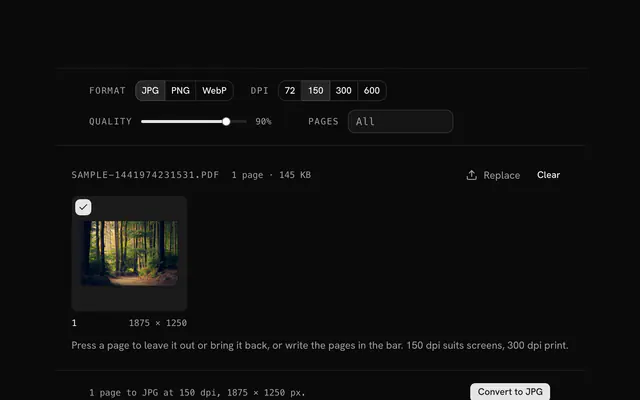
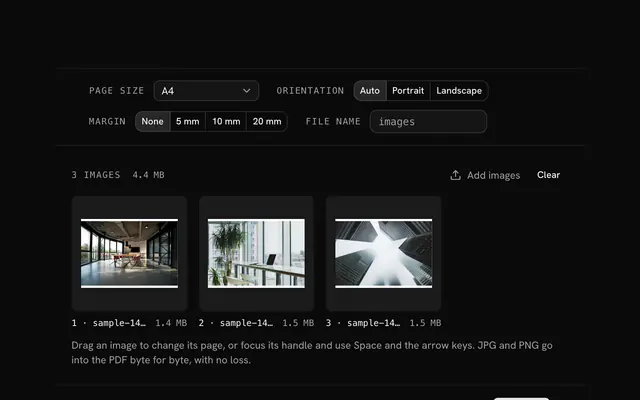
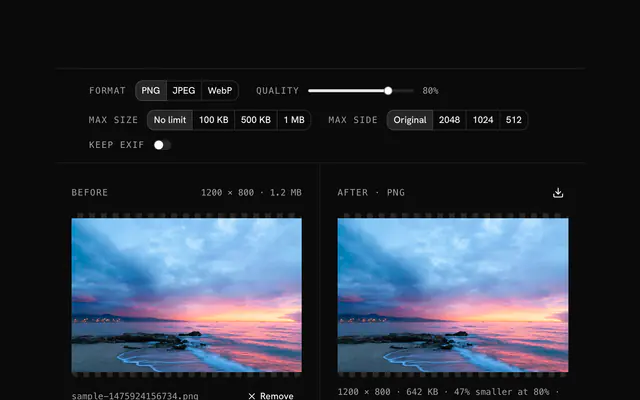
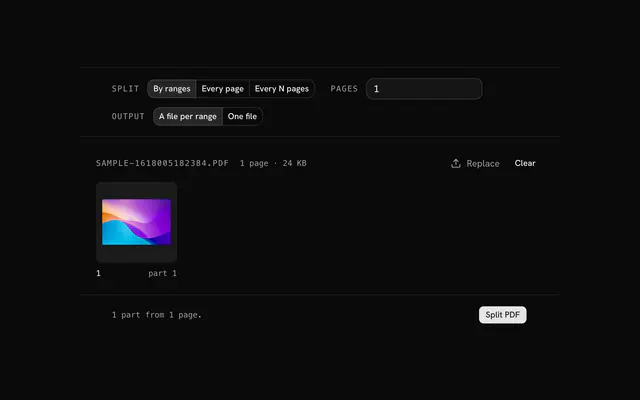
Closest to the PDF to PNG converter: PDF to JPG converter, PNG to PDF converter, PNG compressor, Split PDF. Each opens on its own page, free and in the browser.
The PDF to PNG converter is one of 15 in its group. The group's page, /tools/file, lists them all.
The tool is free. Its interface is built from shadcn.io's own components (Button, Input, Slider and the rest of the registry under /ui), which come in React, Vue, Svelte and Solid. Pro adds the blocks and templates for the product around it.
4.9 out of 5 from 150+ developers


Build the product around it
Every block, template and icon, installed by your AI agent in your theme. The tools stay free.
Get Pro