Sitemap generator.
Paste a list of URLs, or an old sitemap, and get a valid sitemap.xml with every URL checked and escaped, a lastmod per row, and files split past 50,000 URLs under a sitemap index.
Sitemap generator.
Need the UI around it? With Pro, your AI agent builds the form, the result card and the rest of the page from a prompt.
Get ProHow it works
4 steps, no account. It runs in your browser and nothing is uploaded.
Paste your URLs
One per line with an optional lastmod, changefreq and priority, or open a text file, a CSV or a sitemap.xml.
Fix what's flagged
Relative paths, other hosts, repeats and bad dates are marked on their row, where each URL can get its own values.
Set the defaults
Changefreq, priority and lastmod for the rows that leave them out, and how many URLs a file holds.
Download it
One sitemap.xml, or the split files and their index as a ZIP, plus the line for robots.txt.
What Google reads in a sitemap
Only part of a sitemap changes what Google does with your pages.
loc
The URL itself, absolute, on the sitemap's own host and escaped for XML. Google uses the list to find pages and as a hint for the canonical URL.
lastmod
Read when it proves accurate: the last real change to the page's content. Dates that move on every build are learned and ignored.
changefreq and priority
Ignored by Google, and Bing doesn't rely on them either. They are left out here unless you set them.
The limits
50,000 URLs or 50 MB uncompressed a file. Past either, the list is split and an index names each file.
Related tools
More web and SEO tools. Every one free, in the browser.
Pricing
Build it with Pro
The tool is free. Pro adds 6,000+ blocks, premium templates and the MCP server, so your AI editor builds the product around it.
4.9/5 out of 5 · 150+ reviewsfrom 150+ founders and developers.
- Secure checkout via Stripe
- Code lives in your repo
- Keep what you've shipped if you cancel
- License terms
Questions and answers
Before you trust the result: what to know about the format, the limits, your data and the tools next to it.
Google says a sitemap helps most on large sites, new sites with few links pointing in, and sites with many pages that link poorly to each other. A small site whose pages all link together is found without one. Either way, a sitemap helps discovery; it doesn't make a page indexed.
50,000 URLs and 50 MB uncompressed per file, each URL under 2,048 characters, the file in UTF-8 with &, <, >, quotes and apostrophes escaped. A bigger site splits its list and submits a sitemap index naming each file.
No: Google ignores both, and Bing has said it doesn't rely on them either. Google does read lastmod when it is consistently accurate, so a true date is worth more than either tag. The tool leaves them out unless you set them.
The date the page's main content last changed in a way that matters, not the date of every deploy. Write it as a W3C date (2026-10-24) or date-time with a zone. Google learns to ignore lastmods that change on every build.
At the root of the host, since a sitemap in a folder may only list that folder's URLs. Add a Sitemap line to robots.txt and submit it in Google Search Console and Bing Webmaster Tools; Google retired its ping URL in 2023.
One URL a line, each followed by any of a lastmod, a changefreq and a priority, separated by spaces, tabs or commas, so a column copied from a spreadsheet works. Paths such as /about are resolved against the site. Paste or drop an existing sitemap.xml and it is read back into lines.
Each must be http or https and under 2,048 characters; it is written encoded (accents, spaces, an international host in punycode) without its #fragment. Repeats are dropped, and another host, http beside https or a lastmod in the future are flagged on the row.
Past 50,000 URLs (or the smaller cap you set) or 50 MB, the list becomes sitemap-1.xml, sitemap-2.xml and so on, with sitemap.xml as the index giving each file's newest lastmod. Download ZIP gives you all of them, gzipped if you turn it on.
No. The list is read and the files are written in your browser; the page makes no request with your URLs.
No. The Sitemap generator is free and opens without a sign-in, an account or an install.
Nothing. The Sitemap generator holds your input in the page's memory, so closing or reloading the tab clears it, and it saves nothing in this browser.
Lists of 100,000 URLs and more: the list is read as you type and the files are written in memory, 50,000 URLs at most a file. The table under the result shows the first 100 rows; every row is written.
Yes, on its own: once the list passes the URLs-per-file cap or 50 MB, the files are numbered and sitemap.xml becomes the index, each entry with its file's newest lastmod. Submit the index alone.
Turn on Gzip and the ZIP holds sitemap.xml.gz files, compressed by your browser, with the index pointing at them. The 50 MB limit counts the uncompressed size, so gzip saves bandwidth, not room.
Yes: paste it, drop it or open it, and each <url> (or each <sitemap> of an index) comes back as a line with its lastmod, changefreq and priority, ready to check, change and split again.
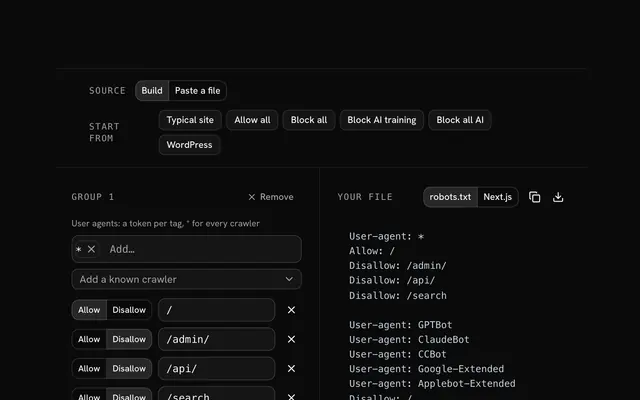
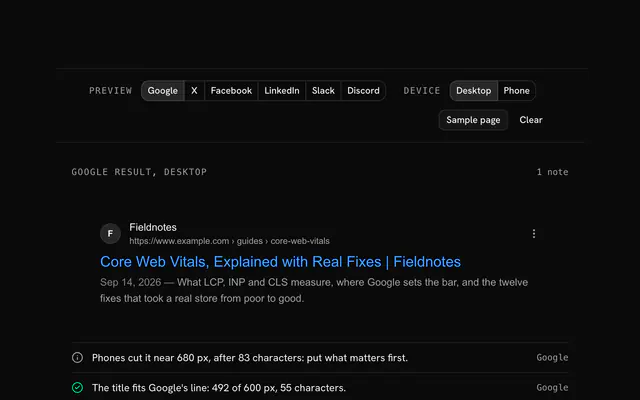
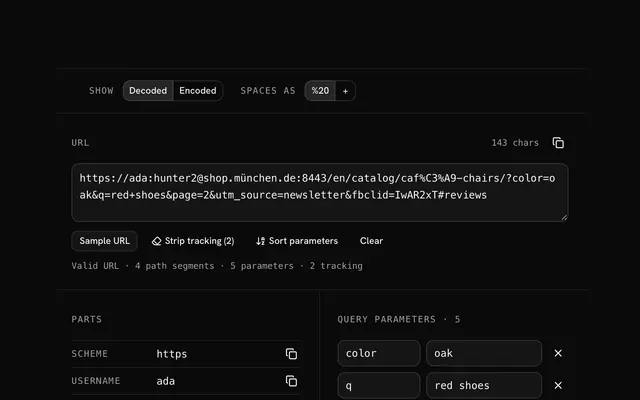
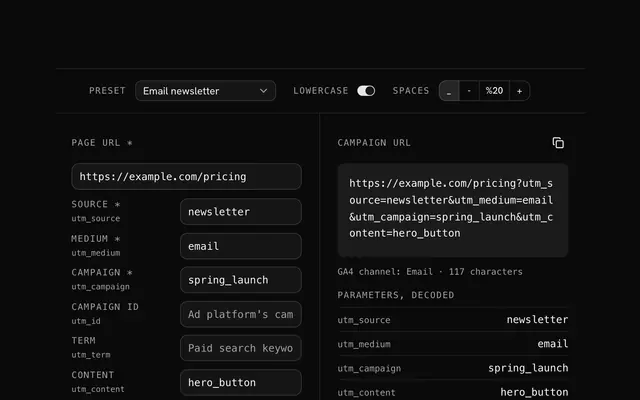
Closest to the Sitemap generator: Robots.txt generator, Meta tag generator, URL parser, UTM builder. Each opens on its own page, free and in the browser.
The Sitemap generator is one of 14 in its group. The group's page, /tools/web, lists them all.
The tool is free. Its interface is built from shadcn.io's own components (Button, Input, Slider and the rest of the registry under /ui), which come in React, Vue, Svelte and Solid. Pro adds the blocks and templates for the product around it.
4.9 out of 5 from 150+ developers


Build the product around it
Every block, template and icon, installed by your AI agent in your theme. The tools stay free.
Get Pro