UTM builder.
Add utm_source, utm_medium, utm_campaign and GA4's other tags to any link, see the channel GA4 will file the visit under, and get a QR code and a link for each place the campaign runs.
UTM builder.
Need the UI around it? With Pro, your AI agent builds the form, the result card and the rest of the page from a prompt.
Get ProHow it works
4 steps, no account. It runs in your browser and nothing is uploaded.
Paste the page
The landing page's full address; its own query and #fragment are kept.
Tag it
Source, medium and campaign, or a preset for Google Ads, Meta, LinkedIn, a newsletter and more.
Check it
Warnings for capitals, a missing tag or a medium GA4 can't place, and the channel it lands in.
Copy or scan
Copy the link, save its QR code as PNG or SVG, or copy every variant as CSV.
The tags GA4 reads
Nine tags, one job each. GA4 reads all of them from the landing page's URL; the first three are the ones every report uses.
utm_source
Where the visit comes from, by name: google, newsletter, linkedin. Required: without it nothing else is attributed.
utm_medium
The kind of channel: cpc, email, social, paid_social, referral, affiliate. GA4's channel rules read it first.
utm_campaign
The push it belongs to: spring_launch, black_friday_2026. One name across every source, so the campaign adds up.
utm_id
The ad platform's campaign id. GA4 joins imported cost data on it, so set it when you upload spend.
utm_term
The paid search keyword. Google Ads fills it for you with auto-tagging; set it by hand for other engines.
utm_content
Which link or ad was clicked when one email or page has several: hero_button, footer_link, video_b.
utm_source_platform
The buying platform behind the traffic, such as Google Ads, Display & Video 360 or Search Ads 360.
utm_creative_format and utm_marketing_tactic
GA4's last two: the ad's format (video, native, display) and the tactic (remarketing, prospecting).
Related tools
More web and SEO tools. Every one free, in the browser.
Pricing
Build it with Pro
The tool is free. Pro adds 6,000+ blocks, premium templates and the MCP server, so your AI editor builds the product around it.
4.9/5 out of 5 · 150+ reviewsfrom 150+ founders and developers.
- Secure checkout via Stripe
- Code lives in your repo
- Keep what you've shipped if you cancel
- License terms
Questions and answers
Before you trust the result: what to know about the format, the limits, your data and the tools next to it.
Tags in a link's query string that tell analytics where a visit came from. GA4, Matomo, Plausible, HubSpot and most other tools read them when the page loads; the page itself ignores them. The classic five are source, medium, campaign, term and content, and GA4 adds utm_id, utm_source_platform, utm_creative_format and utm_marketing_tactic.
utm_source is the one that can't be missing: without it the other tags aren't attributed. Reports group traffic by source, medium and campaign, so set all three; the builder stops on a missing source and warns on the other two.
Yes. GA4 reports Email, email and EMAIL as three different mediums, which splits one campaign across rows. The builder lowercases every tag by default and warns about capitals when you turn that off.
No. A tagged link inside your own site re-attributes the visit to your made-up campaign: Universal Analytics started a new session on it, and GA4 credits later conversions to it, so the ad or search that brought the visitor loses them. Track internal clicks with events instead.
By the rules of its default channel group, matched without regard to case: a medium like cpc, ppc or paid_social from a search engine is Paid Search and from a social network Paid Social, email in the source or medium is Email, social or sm is Organic Social, referral is Referral, and anything it can't place is Unassigned. The builder applies those rules to every link it makes.
Use the Variants table under the builder: each row is a source, a medium and a content value sharing the page, campaign and other tags above. Every row gets its link and channel, and the whole table copies or downloads as CSV for a spreadsheet.
It sets how a space inside a value is written. Underscores and dashes keep links readable and survive being pasted anywhere; %20 and + keep the space, which analytics decodes back to a space in reports.
Yes: press Parameter for a name and value pair, such as ref or a partner id. Custom names keep their case and go after the UTM tags; a standard name such as utm_source is refused with a note to use its own field.
No. The link, its checks and its QR code are all made in the page by your browser, so your campaign names and URLs stay on your machine.
No. The "UTM builder" tool is free and opens without a sign-in, an account or an install.
Nothing. The "UTM builder" tool holds your input in the page's memory, so closing or reloading the tab clears it, and it saves nothing in this browser.
utm_source, utm_medium, utm_campaign, utm_id, utm_term and utm_content, then GA4's utm_source_platform, utm_creative_format and utm_marketing_tactic, then your own parameters. They go after the page's own query and before its #fragment.
They're replaced by the ones you set, with a warning, and the page's other parameters are kept in their order. That makes it safe to retag a link copied from an earlier campaign.
14: Email newsletter, Google Ads, Microsoft Ads (Bing), Meta ads (Facebook), Instagram post, LinkedIn post, LinkedIn ads, X (Twitter) post, TikTok ads, YouTube video, Reddit post, Affiliate partner, SMS message, and App push notification. Each sets the source and medium (and the source platform for Google Ads); edit them freely afterwards.
Black on white with medium error correction and a two-module margin. The PNG is 1,024 pixels wide, enough for print at about 8.5 cm at 300 dpi, and the SVG scales to any size.
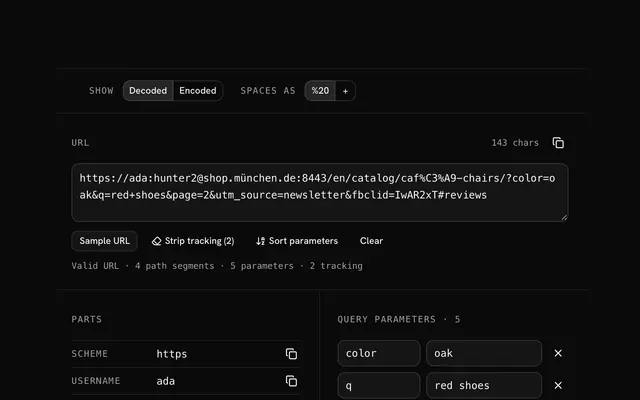
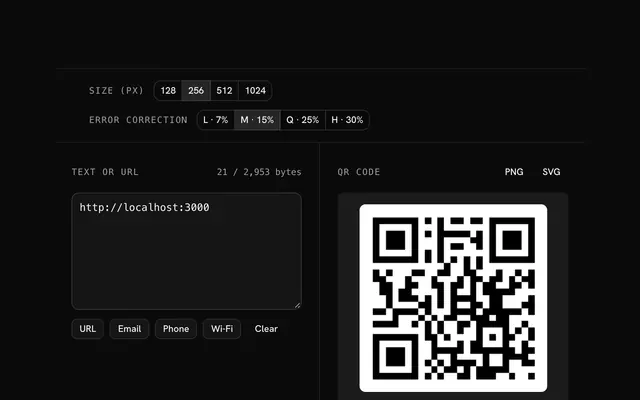
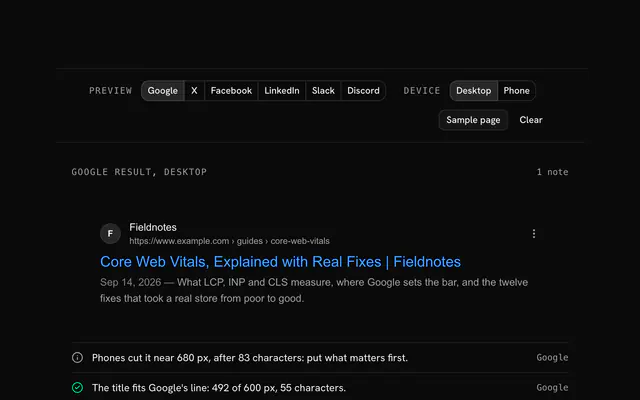
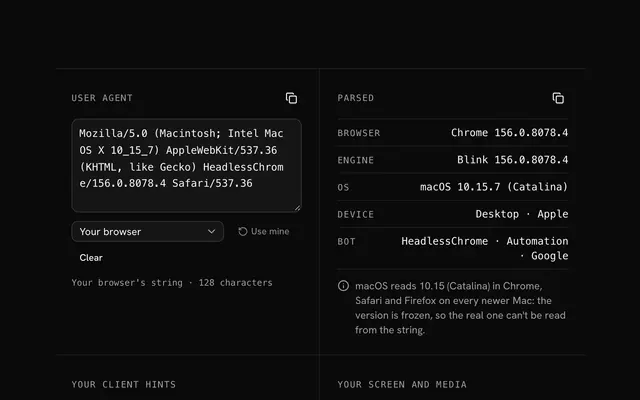
Closest to the "UTM builder" tool: URL parser, QR code generator, Meta tag generator, User agent parser. Each opens on its own page, free and in the browser.
The "UTM builder" tool is one of 14 in its group. The group's page, /tools/web, lists them all.
The tool is free. Its interface is built from shadcn.io's own components (Button, Input, Slider and the rest of the registry under /ui), which come in React, Vue, Svelte and Solid. Pro adds the blocks and templates for the product around it.
4.9 out of 5 from 150+ developers


Build the product around it
Every block, template and icon, installed by your AI agent in your theme. The tools stay free.
Get Pro