JavaScript key code finder.
Press any key and read what a keydown handler sees: event.key, event.code, the legacy keyCode, the location and the modifiers. Copy a listener for it, or look one up in the table of common keys.
JavaScript key code finder.
Need the UI around it? With Pro, your AI agent builds the form, the result card and the rest of the page from a prompt.
Get ProHow it works
3 steps, no account. It runs in your browser and nothing is uploaded.
Press a key
Anywhere on the page, or in the capture area to catch Space, the arrows and the slash too.
Read its values
key, code, keyCode, which, location, modifiers, repeat and composition, each copied with a press.
Copy a listener
A keydown listener by key or by code, with the modifiers you held.
Related tools
More web and SEO tools. Every one free, in the browser.
Pricing
Build it with Pro
The tool is free. Pro adds 6,000+ blocks, premium templates and the MCP server, so your AI editor builds the product around it.
4.9/5 out of 5 · 150+ reviewsfrom 150+ founders and developers.
- Secure checkout via Stripe
- Code lives in your repo
- Keep what you've shipped if you cancel
- License terms
Questions and answers
Before you trust the result: what to know about the format, the limits, your data and the tools next to it.
key is what the key produces on the current layout and with the current modifiers: "a", "A", "Enter", "ArrowLeft". code is the physical key, named after its place on a US keyboard: KeyA, Enter, ArrowLeft, whatever the layout. Use key for meaning and text, code for position, as in WASD games.
Yes. keyCode and which are deprecated in the UI Events spec and vary between browsers and layouts: Firefox gives 59 for the semicolon where Chrome gives 186, and many punctuation keys move on other layouts. Browsers keep them for old code, so the tool still shows them, but new code should test key or code.
While an input method (for Chinese, Japanese, Korean and other scripts) is composing, keydown reports keyCode 229 and usually key "Process", and isComposing is true. Shortcut handlers should return early on event.isComposing, or Enter that confirms a word also submits the form.
Shift, Control, Alt and Meta exist on both sides, with the same key but different codes (ShiftLeft, ShiftRight) and location 1 or 2. The number pad's keys have location 3, so NumpadEnter and Enter, or Numpad1 and Digit1, can be told apart.
Press it anywhere on the page outside a text field, or click the capture area first: there Space, the arrows and / are kept from scrolling or opening search, while Tab still moves focus away and browser shortcuts still work.
A keydown listener that checks the modifiers you held and either key or code, skipping IME composition, ready to paste. The shortcut is also written the way menus show it, with ⌘ ⌥ ⇧ ⌃ on a Mac and Ctrl+Shift+K elsewhere.
Some never reach the page: the operating system or the browser takes them first (⌘Tab, Ctrl+Alt+Delete, ⌘W, and Print Screen on Windows, which only fires keyup). Those can't be read by any web page.
No. The key events are read in the page and kept in its memory for the history; nothing is sent anywhere, and nothing is stored after you close the tab.
No. The JavaScript key code finder is free and opens without a sign-in, an account or an install.
Nothing. The JavaScript key code finder holds your input in the page's memory, so closing or reloading the tab clears it, and it saves nothing in this browser.
The last 12, newest first, with each one's key, code, keyCode and shortcut. Clear empties the list; closing or reloading the tab does too.
A US QWERTY layout: 103 keys, from Enter and the arrows to the number pad, with the Firefox keyCode where it differs (59 for the semicolon, 61 for equals, 173 for minus). Press a row's key name to see its values and listener above.
With a hardware keyboard, yes. A phone's on-screen keyboard only opens for text fields, and Android's reports most keys as keyCode 229 with key "Unidentified", so on a phone read typed text from input events instead.
Typing in a text field on the page is left alone, so the tool's own search box works as usual. Anywhere else on the page a press is read; in the capture area, Space, the arrows and / are also kept from scrolling or opening the site's search.
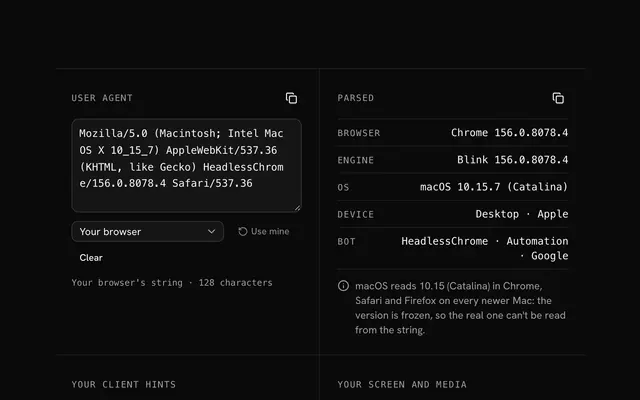
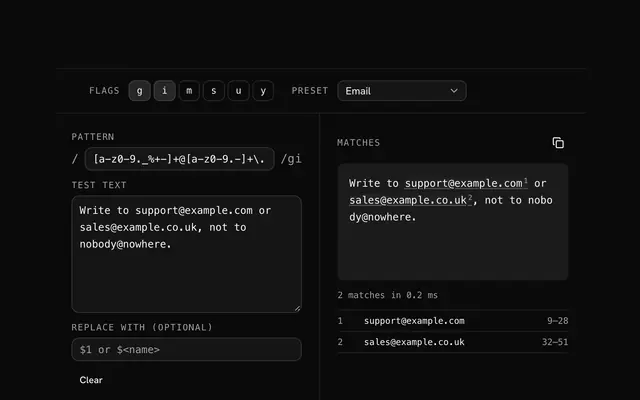
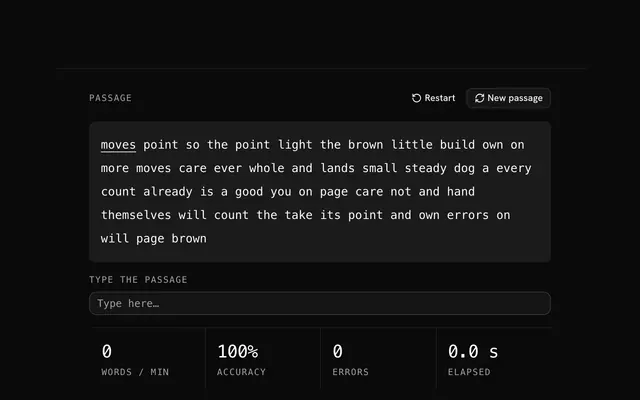
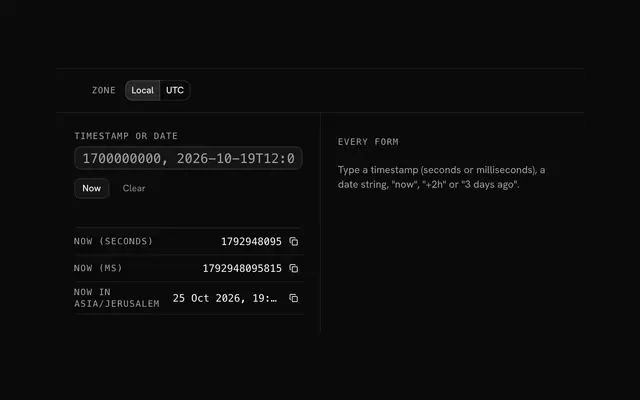
Closest to the JavaScript key code finder: User agent parser, Regex tester, Typing test, Unix timestamp converter. Each opens on its own page, free and in the browser.
The JavaScript key code finder is one of 14 in its group. The group's page, /tools/web, lists them all.
The tool is free. Its interface is built from shadcn.io's own components (Button, Input, Slider and the rest of the registry under /ui), which come in React, Vue, Svelte and Solid. Pro adds the blocks and templates for the product around it.
4.9 out of 5 from 150+ developers


Build the product around it
Every block, template and icon, installed by your AI agent in your theme. The tools stay free.
Get Pro