Rotate an image.
Turn a picture a quarter turn or by any angle, or straighten a tilted horizon over a grid, and mirror it if you need to. One image or a batch, all in your browser.
Rotate an image.
Need the UI around it? With Pro, your AI agent builds the form, the result card and the rest of the page from a prompt.
Get ProHow it works
4 steps, no account. It runs in your browser and nothing is uploaded.
Add images
Drop one or more PNG, JPG, WebP, GIF, AVIF or SVG files; the first one is shown.
Turn it
Press a quarter-turn button, type an angle, or drag the straighten slider with the grid over the picture.
Handle the corners
For a tilt, keep the whole picture on a bigger canvas, transparent or a color, or crop the corners away.
Download
Save the picture shown, or every file turned the same way in one ZIP.
Related tools
More image tools. Every one free, in the browser.

Pricing
Build it with Pro
The tool is free. Pro adds 6,000+ blocks, premium templates and the MCP server, so your AI editor builds the product around it.
4.9/5 out of 5 · 150+ reviewsfrom 150+ founders and developers.
- Secure checkout via Stripe
- Code lives in your repo
- Keep what you've shipped if you cancel
- License terms
Questions and answers
Before you trust the result: what to know about the format, the limits, your data and the tools next to it.
Not for quarter turns: 90°, 180° and 270° move every pixel to its new place without resampling. Any other angle has to compute new pixels between the old ones, which softens the picture slightly, as in every photo editor. The file is then encoded again, losslessly as PNG or at the quality you set.
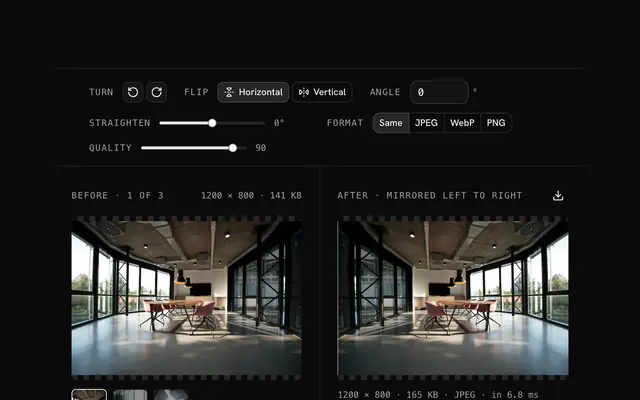
It turns the picture up to 45° either way in tenths of a degree, for a horizon or a building that leans. While you hold the slider, a grid appears over the preview so you can line an edge up with it.
A tilted picture no longer fills a rectangle. Expand keeps all of it on a bigger canvas and fills the uncovered corners with transparency or a color you choose. Crop keeps the largest rectangle of the picture's own shape that fits inside, as photo editors straighten, losing only the edges.
Rotating turns the picture around its centre, so it still reads correctly at another angle. Flipping mirrors it, so text reads backwards and a face looking left looks right. A 180° turn gives the same picture as flipping it both ways.
No. The picture is turned on a canvas in your browser and encoded there too; the page makes no request with it.
Type any angle from -180 to 180 in the Angle field, to a tenth of a degree, or combine the quarter-turn buttons with the straighten slider. Positive angles turn clockwise.
JPEG has no transparency, so when the output is JPEG the uncovered corners are filled with white. Choose PNG or WebP to keep them transparent, or pick Color to fill them with your own.
Yes. The Horizontal and Vertical toggles mirror the picture left to right or top to bottom, after the turn. A file that is only mirrored is named photo-flipped, a turned one photo-rotated.
No. The "Rotate an image" tool is free and opens without a sign-in, an account or an install.
Nothing. The "Rotate an image" tool holds your input in the page's memory, so closing or reloading the tab clears it, and it saves nothing in this browser.
No turn and no mirror, saved in the photo's own format at quality 90. The Corners and Fill choices appear once the angle isn't a whole quarter turn, starting on Expand with transparent corners.
Your file's name with -rotated and the format's extension, such as photo-rotated.jpg, or -flipped when it's only mirrored. A batch comes back as rotated-images.zip, or flipped-images.zip when nothing is turned.
Yes. Drop several files at once or add more with Add images; the strip under the preview picks which one is shown, and Download all as ZIP turns every file with the same settings, one after another.
Images up to 100 MB each. A bigger file is declined with a message before anything is decoded, because the browser holds the whole picture in memory.
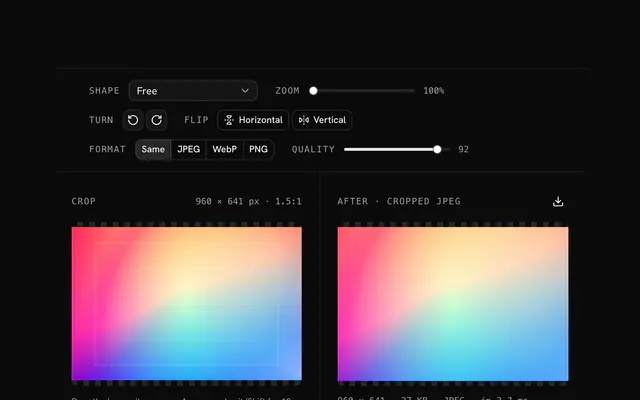
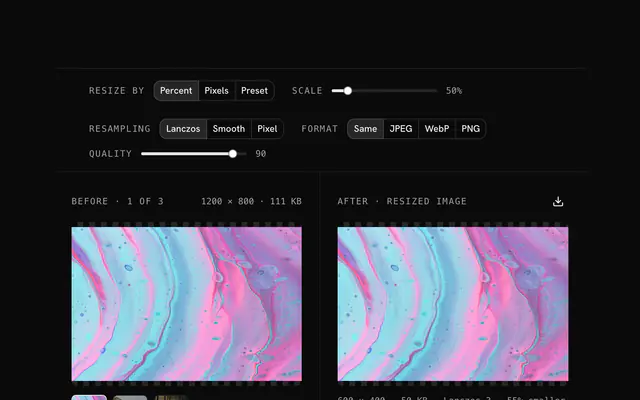
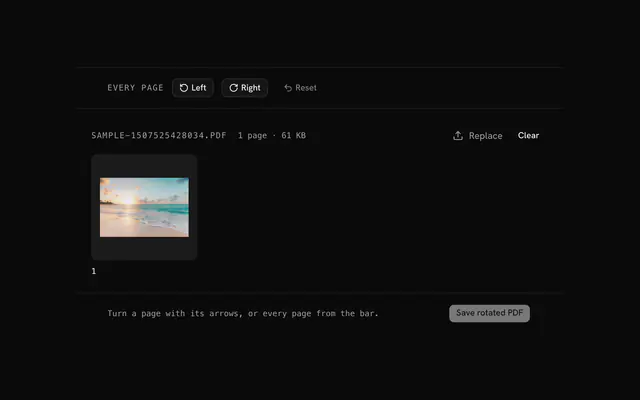
Closest to the "Rotate an image" tool: Flip an image, Image cropper, Image resizer, Rotate PDF. Each opens on its own page, free and in the browser.
The "Rotate an image" tool is one of 18 in its group. The group's page, /tools/image, lists them all.
The tool is free. Its interface is built from shadcn.io's own components (Button, Input, Slider and the rest of the registry under /ui), which come in React, Vue, Svelte and Solid. Pro adds the blocks and templates for the product around it.
4.9 out of 5 from 150+ developers


Build the product around it
Every block, template and icon, installed by your AI agent in your theme. The tools stay free.
Get Pro