Rotate PDF.
Turn a PDF's pages the right way up, one page at a time or all at once. The pages are saved turned, not redrawn, and the file never leaves your device.
Rotate PDF.
Need the UI around it? With Pro, your AI agent builds the form, the result card and the rest of the page from a prompt.
Get ProHow it works
4 steps, no account. It runs in your browser and nothing is uploaded.
Drop the PDF
One file up to 500 MB; every page appears as a thumbnail.
Turn the pages
Use a page's arrows to turn it 90 degrees, or Left and Right in the bar for every page.
Check the result
Thumbnails turn as you go and show each page's new angle; Reset undoes it all.
Save and download
Press Save rotated PDF and download the file.
Related tools
More file tools. Every one free, in the browser.
Pricing
Build it with Pro
The tool is free. Pro adds 6,000+ blocks, premium templates and the MCP server, so your AI editor builds the product around it.
4.9/5 out of 5 · 150+ reviewsfrom 150+ founders and developers.
- Secure checkout via Stripe
- Code lives in your repo
- Keep what you've shipped if you cancel
- License terms
Questions and answers
Before you trust the result: what to know about the format, the limits, your data and the tools next to it.
No. A PDF page carries its own turn, a quarter at a time, and the tool changes only that. Text, images and vector drawings stay as they were, so the file looks the same at any zoom and text stays selectable.
Yes. The turn is saved in the file itself, not in a viewer's setting, so Acrobat, Preview, browsers and phones all open the pages the new way up.
No, only by 90, 180 or 270 degrees, which is what a PDF page supports. Straightening a slightly crooked scan means redrawing the page, which a scanner app or an image editor does.
The tool adds to each page's existing turn, and the thumbnails show pages as a reader does. A page a scanner saved sideways shows sideways here, and one press of the right arrow puts it right.
No. The PDF is read and saved in your browser with pdf-lib, and the thumbnails are drawn on your device by pdf.js. Nothing is sent to a server.
Yes. Each page has its own left and right buttons (shown on hover or keyboard focus, and always on touch screens), and the bar's Left and Right turn every page at once. The caption under a page shows its new angle.
The pages are copied into a new file with their turns, so bookmarks (the outline) and the document's title and author aren't carried over. The pages and everything drawn on them are unchanged.
No. A file with a password or restrictions can't be rewritten here, and the tool says so when you drop it. Save an unprotected copy from a PDF reader first.
No. The "Rotate PDF" tool is free and opens without a sign-in, an account or an install.
Files are read into your browser's memory and the "Rotate PDF" tool works on them there; nothing is sent to a server.
The "Rotate PDF" tool is free and needs no account.
Work in memory means the limit is what your device can hold: up to 500 MB per PDF and 2 GB for a ZIP.
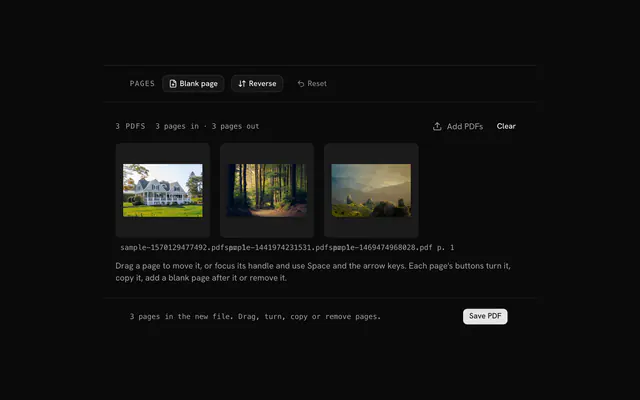
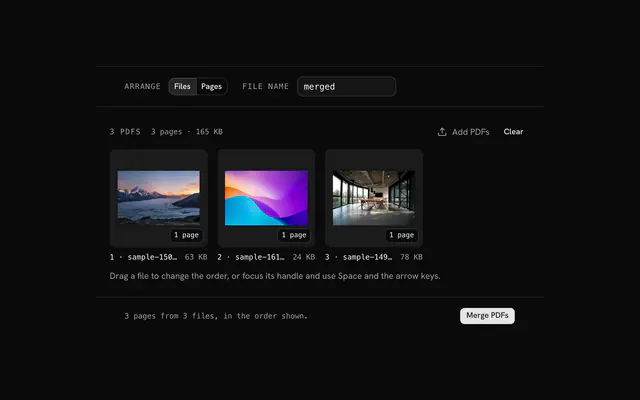
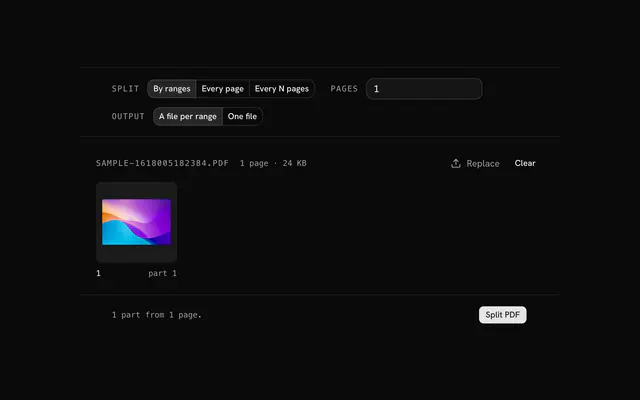
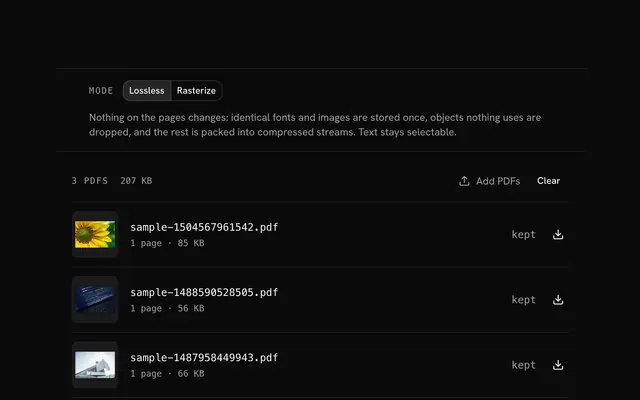
Closest to the "Rotate PDF" tool: Organize PDF, Merge PDF, Split PDF, Compress PDF. Each opens on its own page, free and in the browser.
The "Rotate PDF" tool is one of 15 in its group. The group's page, /tools/file, lists them all.
The tool is free. Its interface is built from shadcn.io's own components (Button, Input, Slider and the rest of the registry under /ui), which come in React, Vue, Svelte and Solid. Pro adds the blocks and templates for the product around it.
4.9 out of 5 from 150+ developers


Build the product around it
Every block, template and icon, installed by your AI agent in your theme. The tools stay free.
Get Pro