Sign a PDF.
Draw your signature with a mouse, a pen or a finger, or type it, and place it on any page of a PDF. Move it, size it, add it to every page, and download the signed copy.
Sign a PDF.
Need the UI around it? With Pro, your AI agent builds the form, the result card and the rest of the page from a prompt.
Get ProHow it works
4 steps, no account. It runs in your browser and nothing is uploaded.
Drop the PDF
One file up to 500 MB; a signature box waits on its last page.
Make your signature
Draw it on the pad, or choose Type and write your name.
Place it
Drag the box into place, size it from its corner, or click another page to add one.
Sign and download
Press Sign PDF and save the signed copy.
Related tools
More file tools. Every one free, in the browser.
Pricing
Build it with Pro
The tool is free. Pro adds 6,000+ blocks, premium templates and the MCP server, so your AI editor builds the product around it.
4.9/5 out of 5 · 150+ reviewsfrom 150+ founders and developers.
- Secure checkout via Stripe
- Code lives in your repo
- Keep what you've shipped if you cancel
- License terms
Questions and answers
Before you trust the result: what to know about the format, the limits, your data and the tools next to it.
It's an electronic signature: a picture of your signature drawn into the page, much like signing a printout and scanning it, which many everyday agreements accept. It isn't a certificate-based digital signature, which proves who signed and that nothing changed afterwards. When a document asks for one, use a signing service or a reader with your certificate.
As a PNG with a clear background, drawn into the page's content where you placed it. It prints and shows in every reader, and the rest of the page, its text and its links, stays as it was.
The switch appears when the PDF has form fields. Flattening turns what's filled in into plain page content, so it can't be changed after you sign; leave it off to keep the form fillable.
Script and Hand use the handwriting faces your device has, such as Snell Roundhand or Segoe Script, and Print a plain sans. The name becomes a picture, so the signed file looks the same on every device.
No. The PDF and your signature stay in your browser's memory, the file is signed there with pdf-lib, an open-source library, and the page makes no request with either. Nothing is kept once you close the tab.
Yes. Choose Type and write your name, and Add to page places it on the page shown. Tab reaches each signature on that page: the arrow keys move it (with Shift, in larger steps), + and − size it, and Delete removes it.
Yes. Click any page to place another copy, or press Every page to put one at the same spot on each page that has none, for initials. The strip under the page marks the signed pages.
Not while it's protected. A file with a password or restrictions can't be rewritten here, and the tool says so; save an unprotected copy from a reader that has the password and sign that.
No. The "Sign a PDF" tool is free and opens without a sign-in, an account or an install.
Nothing. The "Sign a PDF" tool holds your input in the page's memory, so closing or reloading the tab clears it, and it saves nothing in this browser.
Files are read into your browser's memory and the "Sign a PDF" tool works on them there; nothing is sent to a server.
The "Sign a PDF" tool is free and needs no account.
Work in memory means the limit is what your device can hold: up to 500 MB per PDF and 2 GB for a ZIP.
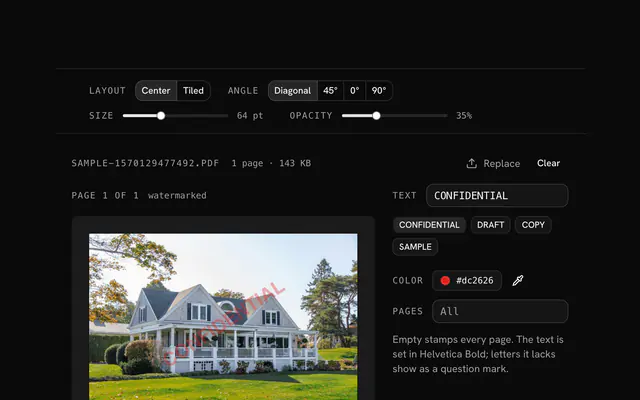
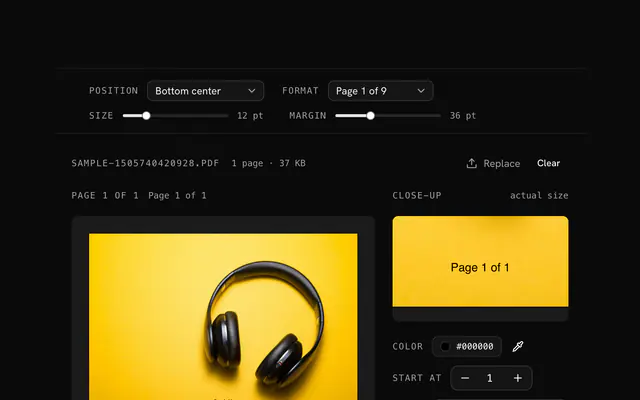
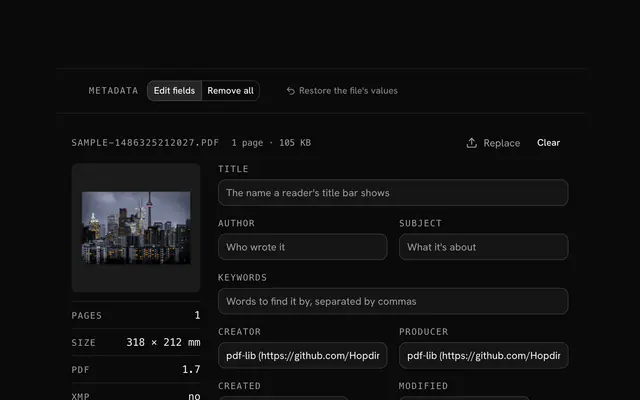
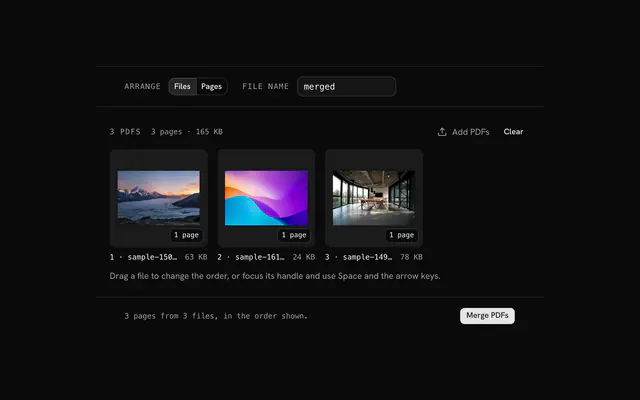
Closest to the "Sign a PDF" tool: Watermark a PDF, Add page numbers to a PDF, PDF metadata editor, Merge PDF. Each opens on its own page, free and in the browser.
The "Sign a PDF" tool is one of 15 in its group. The group's page, /tools/file, lists them all.
The tool is free. Its interface is built from shadcn.io's own components (Button, Input, Slider and the rest of the registry under /ui), which come in React, Vue, Svelte and Solid. Pro adds the blocks and templates for the product around it.
4.9 out of 5 from 150+ developers


Build the product around it
Every block, template and icon, installed by your AI agent in your theme. The tools stay free.
Get Pro