JPG to PDF converter.
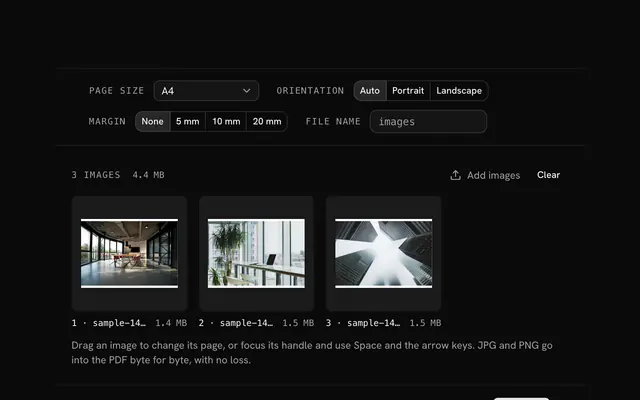
Put JPG photos and scans into one PDF, one image per page, on A4, Letter or each image's own size. Drag the pages into order; nothing is uploaded.
JPG to PDF converter.
Need the UI around it? With Pro, your AI agent builds the form, the result card and the rest of the page from a prompt.
Get ProHow it works
4 steps, no account. It runs in your browser and nothing is uploaded.
Drop the images
JPG, PNG, WebP, GIF or AVIF, as many as you like, up to 100 MB each.
Set the page
A paper size or Fit to image, an orientation and a margin.
Order and turn
Drag images into order, turn one a quarter at a time, or remove it.
Make the PDF
Name the file, press Make PDF and download it.
Related tools
More file tools. Every one free, in the browser.
Pricing
Build it with Pro
The tool is free. Pro adds 6,000+ blocks, premium templates and the MCP server, so your AI editor builds the product around it.
4.9/5 out of 5 · 150+ reviewsfrom 150+ founders and developers.
- Secure checkout via Stripe
- Code lives in your repo
- Keep what you've shipped if you cancel
- License terms
Questions and answers
Before you trust the result: what to know about the format, the limits, your data and the tools next to it.
No. A JPG goes into the PDF as it is, byte for byte, with no second compression, so the page looks exactly like the photo. Images in other formats are converted once: to PNG when they have transparency, to a high-quality JPG otherwise.
No. Phones often store photos sideways with a note in the file's EXIF data, which PDF readers ignore. The tool reads that note and turns the image on its page, so every photo stands upright.
On a paper size, the image is scaled to fill the space inside the margins, keeping its proportions, and centered. Auto orientation turns each page to match its image: landscape for wide photos, portrait for tall ones. Fit to image makes each page the image's size at 96 dpi, plus the margin.
A4, US Letter, US Legal, A3 and A5, each portrait or landscape, or Fit to image. Margins are none, 5, 10 or 20 mm on every side.
No. The images are read and the PDF is built in your browser with pdf-lib. Nothing is sent to a server, which matters for ID scans, receipts and other private papers.
Yes. JPG, PNG, WebP, GIF, AVIF and BMP can go into one PDF, each on its own page. An animated GIF gives its first frame.
Drag a page by its handle, or focus the handle and use Space and the arrow keys. A page's buttons turn its image a quarter turn or remove it, and new images join at the end.
Each image can be up to 100 MB, with no cap on how many. The images are held in memory, so hundreds of large photos need a device with memory to spare.
No. The JPG to PDF converter is free and opens without a sign-in, an account or an install.
Nothing. The JPG to PDF converter holds your input in the page's memory, so closing or reloading the tab clears it, and it saves nothing in this browser.
Files are read into your browser's memory and the JPG to PDF converter works on them there; nothing is sent to a server.
The JPG to PDF converter is free and needs no account.
Work in memory means the limit is what your device can hold: up to 500 MB per PDF and 2 GB for a ZIP.
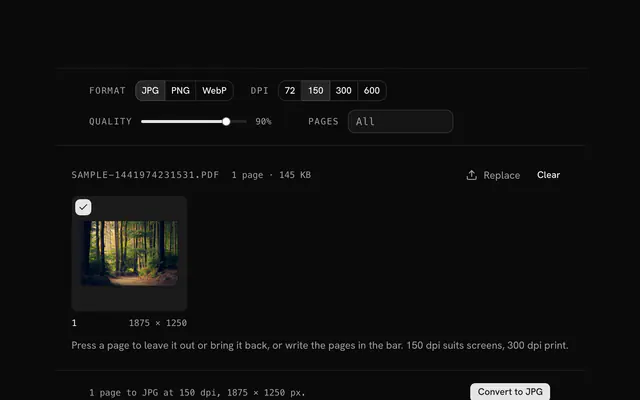
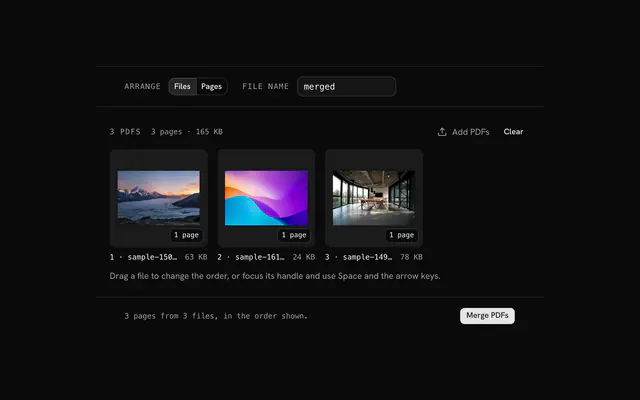
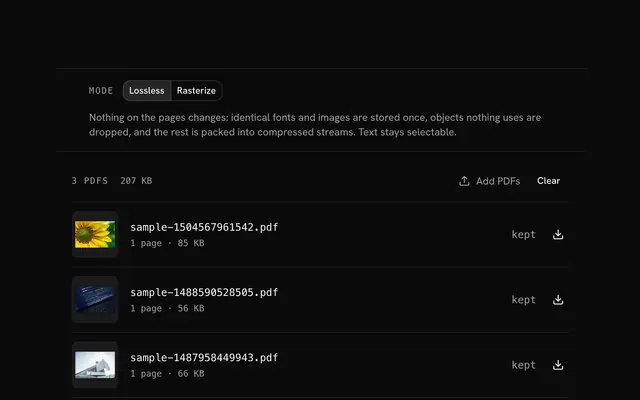
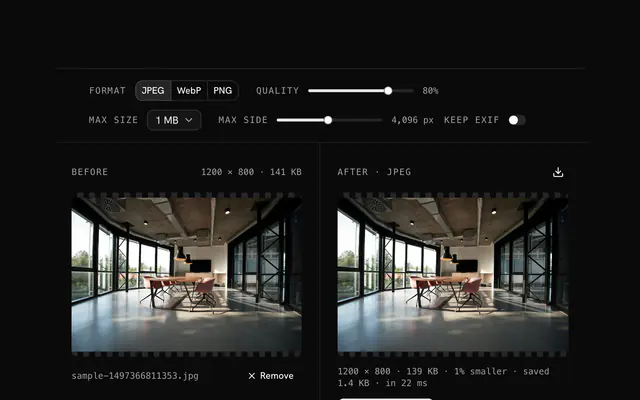
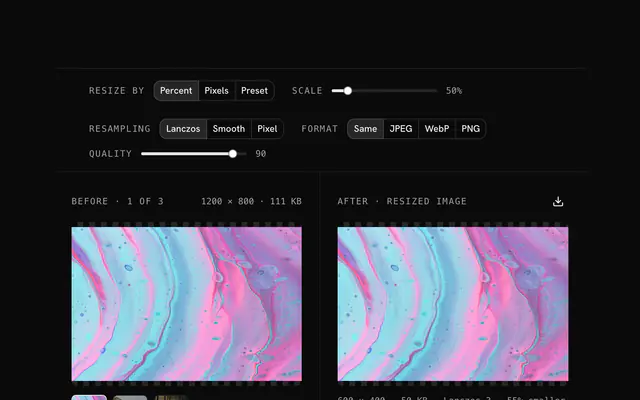
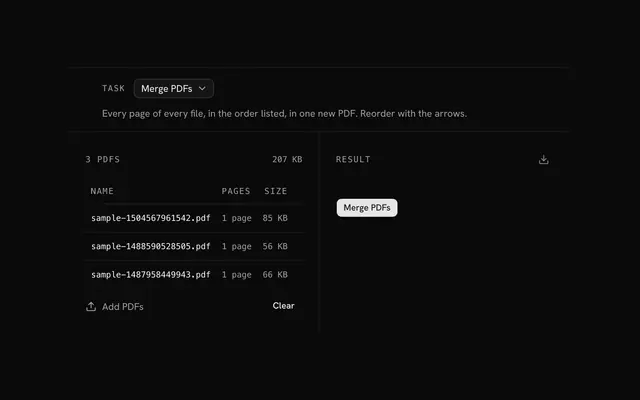
Closest to the JPG to PDF converter: PNG to PDF converter, PDF to JPG converter, Merge PDF, Compress PDF. Each opens on its own page, free and in the browser.
The JPG to PDF converter is one of 15 in its group. The group's page, /tools/file, lists them all.
The tool is free. Its interface is built from shadcn.io's own components (Button, Input, Slider and the rest of the registry under /ui), which come in React, Vue, Svelte and Solid. Pro adds the blocks and templates for the product around it.
4.9 out of 5 from 150+ developers


Build the product around it
Every block, template and icon, installed by your AI agent in your theme. The tools stay free.
Get Pro