Merge PDF.
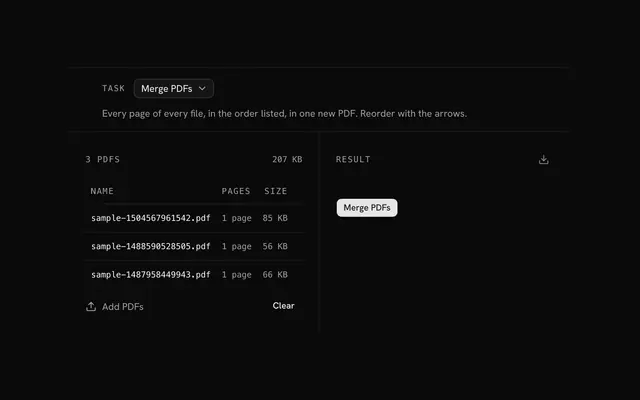
Join several PDFs into one file, in the order you drag them. Arrange whole files or single pages, leave out what you don't need, and keep every file on your device.
Merge PDF.
Need the UI around it? With Pro, your AI agent builds the form, the result card and the rest of the page from a prompt.
Get ProHow it works
4 steps, no account. It runs in your browser and nothing is uploaded.
Drop the PDFs
Two or more files, up to 500 MB each; each shows its first page and page count.
Set the order
Drag the files, or switch Arrange to Pages to move and leave out single pages.
Name the file
Type a name for the merged PDF, or keep merged.pdf.
Merge and download
Press Merge PDFs and save the new file.
Related tools
More file tools. Every one free, in the browser.
Pricing
Build it with Pro
The tool is free. Pro adds 6,000+ blocks, premium templates and the MCP server, so your AI editor builds the product around it.
4.9/5 out of 5 · 150+ reviewsfrom 150+ founders and developers.
- Secure checkout via Stripe
- Code lives in your repo
- Keep what you've shipped if you cancel
- License terms
Questions and answers
Before you trust the result: what to know about the format, the limits, your data and the tools next to it.
No. Each page is copied into the new file as it is, with its text, images and fonts, so text stays selectable and nothing is redrawn. Pages keep their own size and orientation, so a Letter page and an A4 page can sit in one file.
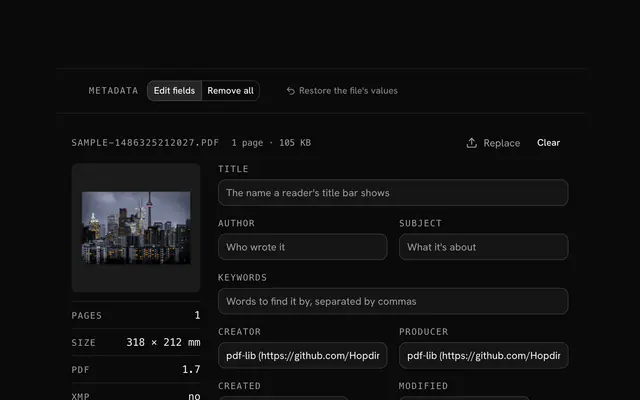
The new file is built from the pages alone. Bookmarks (the outline) and the source files' titles and authors don't come along, and fillable form fields may stop being fillable. To give the result a title and author, use the PDF metadata editor.
Yes. Switch Arrange to Pages: every page of every file is listed, and a page's button leaves it out of the merge. Drag pages of different files among each other to interleave them, such as the front and back sides of a scan.
Not while they're protected. A file with a password or restrictions (no printing, no copying) is marked protected and the merge waits, since its pages can't be copied here. Save an unprotected copy from a PDF reader that has the password, and drop that.
No. The files are read into the page's memory and joined there with pdf-lib, an open-source library that runs in your browser. The page makes no request with them.
Up to 500 MB per file. The limit is your device's memory rather than a quota: every file is held in memory while you work, so a phone handles less than a laptop.
Tab to a file's or a page's handle, press Space to pick it up, move it with the arrow keys and press Space again to drop it. Escape puts it back where it was, and each move is announced to screen readers.
merged.pdf, unless you type another name in the bar. The extension is added for you, and characters a file name can't hold become dashes.
No. The "Merge PDF" tool is free and opens without a sign-in, an account or an install.
Nothing. The "Merge PDF" tool holds your input in the page's memory, so closing or reloading the tab clears it, and it saves nothing in this browser.
Files are read into your browser's memory and the "Merge PDF" tool works on them there; nothing is sent to a server.
The "Merge PDF" tool is free and needs no account.
Work in memory means the limit is what your device can hold: up to 500 MB per PDF and 2 GB for a ZIP.
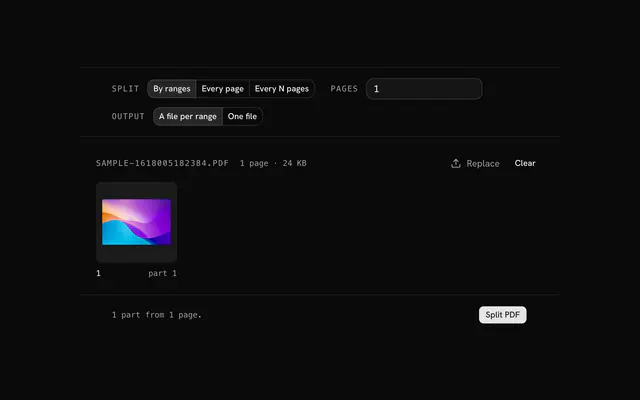
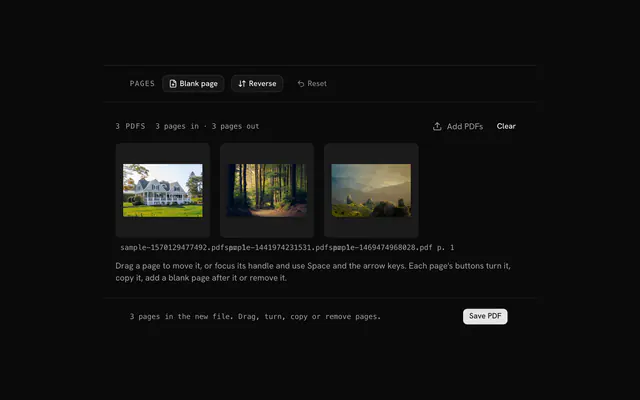
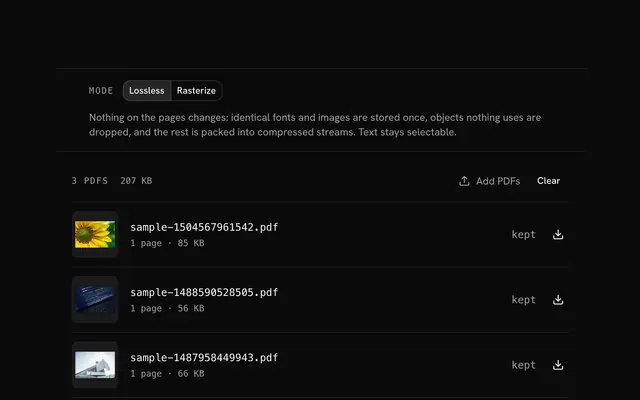
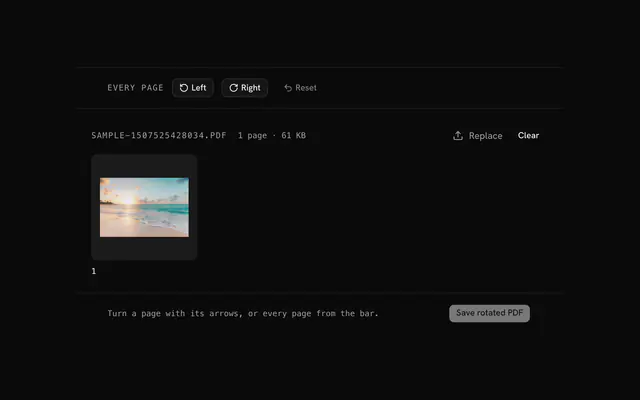
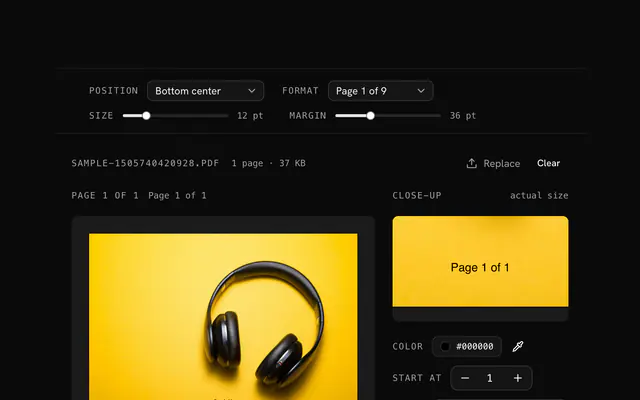
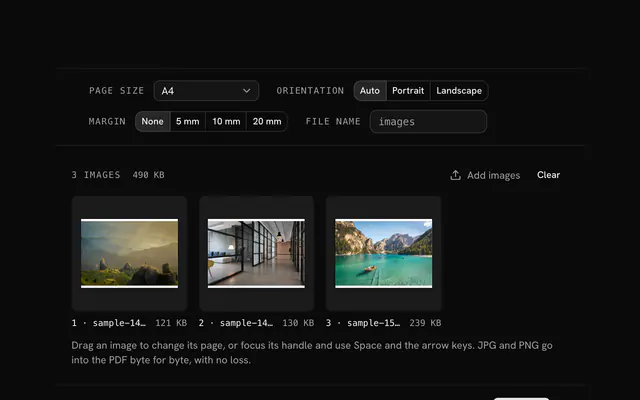
Closest to the "Merge PDF" tool: Split PDF, Organize PDF, Compress PDF, Rotate PDF. Each opens on its own page, free and in the browser.
The "Merge PDF" tool is one of 15 in its group. The group's page, /tools/file, lists them all.
The tool is free. Its interface is built from shadcn.io's own components (Button, Input, Slider and the rest of the registry under /ui), which come in React, Vue, Svelte and Solid. Pro adds the blocks and templates for the product around it.
4.9 out of 5 from 150+ developers


Build the product around it
Every block, template and icon, installed by your AI agent in your theme. The tools stay free.
Get Pro