shadcn.io is an independent project built on shadcn/ui
Press once and it stays on, like bold or bookmark in a toolbar. Press again and it turns off.
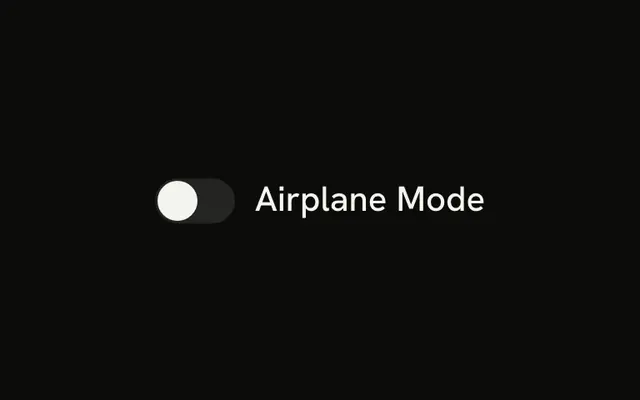
Use a toggle when the button itself is the state. A feature you turn on for the whole account is a Switch. In React, React Aria provides the pressed style.
Installation
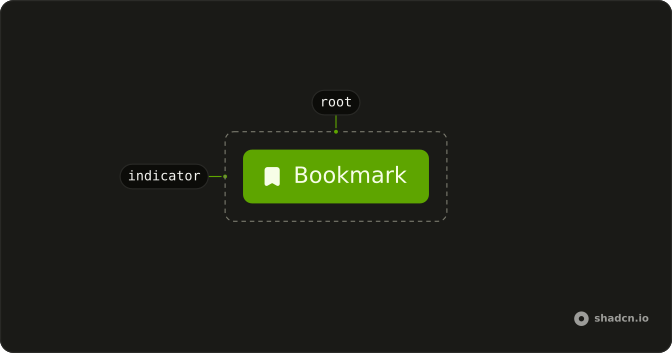
Anatomy
Usage
import { BookmarkIcon } from "lucide-react";
import { Toggle } from "@/components/ui/toggle";<Toggle aria-label="Toggle bookmark" size="sm" variant="outline">
<BookmarkIcon
aria-hidden="true"
className="group-aria-pressed/toggle:fill-foreground"
/>
Bookmark
</Toggle>Accessibility
- Space
- Toggle the pressed state.
- Enter
- Toggle the pressed state.
Demos
Outline
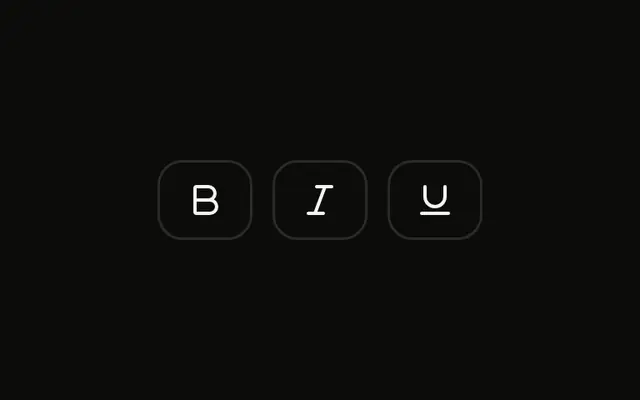
Italic and Bold, each with an icon and a word, and variant set to outline so the resting state has a border. Use the outline when the toggle sits on a busy toolbar and the borderless default would disappear. Both can be pressed at once, because these are separate toggles, not a group that forces a single choice.
Text
Italic with an icon and a visible word, on the default variant, which has no border until it is pressed. Use the word beside the icon when the action is not obvious from the glyph alone. The aria-label still names the action for assistive tech. If you only have room for the icon, drop the word and keep that label.
Sizes
Small, default, and large, all outline, using size values sm, md, and lg. md is what you get if you omit the prop. Pick a smaller toggle for a dense toolbar and a large one when the control is a primary target on a touch layout. The pressed treatment stays the same at every size.
Disabled
Two toggles that cannot be pressed, one on the default variant and one outline, both with disabled. The muted look follows the variant you started from, so the outline toggle stays outlined. Use this when the action does not apply yet, such as bold with an empty selection, not to hide a control that is broken.
Rtl
The bookmark toggle from the first preview, with dir set to rtl and an Arabic label. The icon still fills when the toggle is pressed. The word sits on the right, which is the start in this direction. Use this to check that the pressed icon and the label do not collide in a right-to-left toolbar.
FAQ
How do I control a Toggle in React?
Keep the pressed state in state and pass it back to the Toggle; use the default prop when you only need the starting state.
With React Aria, pass isSelected and onChange, which receives the new boolean.
What is the difference between a Toggle and a Switch?
A Toggle is a button that stays pressed, like Bold in a text editor toolbar, and is announced as a pressed button. A Switch turns a setting on or off, like Wi-Fi. Use Toggle Group for a row of related toggles.
How do I make an outline Toggle?
Set variant="outline" for a bordered Toggle, as the Outline demo does; the default variant is borderless with a transparent background. The pressed style comes from the data-state attribute in both.
How do I change the size of a Toggle?
Set size to sm, md (the default) or lg, as the Sizes demo does; default is another name for md, as in shadcn/ui. For an icon-only Toggle, keep the icon alone inside it and add an aria-label.
How do I make an icon-only Toggle accessible?
Give it an aria-label that names the action, such as "Toggle bold": screen readers announce it with its pressed state. Mark the icon aria-hidden="true" so it is not read twice.
API Reference
Toggle
data-slot="toggle"
children?ReactNode
The content to display in the button.
defaultSelected?boolean
Whether the element should be selected (uncontrolled).
isDisabled?boolean
Whether the button is disabled.
isSelected?boolean
Whether the element should be selected (controlled).
onChange?(isSelected: boolean) → void
Handler that is called when the element's selection state changes.
- Parameters
isSelected– boolean- Returns
void
size?"sm" | "md" | "default" | "lg"
The size.
- Type
"sm" | "md" | "default" | "lg"- Default
"md"
value?string
The value of the input element, used when submitting an HTML form. See [MDN](https://developer.mozilla.org/en-US/docs/Web/HTML/Element/input#htmlattrdefvalue).
variant?"default" | "ghost" | "outline"
The visual style.
- Type
"default" | "ghost" | "outline"- Default
"default"
className?string
Merged with the part's classes.
data-disabled?string
Present when disabled is true.
data-pressed?string
Present when pressed is true.
data-state"on" | "off"
"on" or "off".
- Type
"on" | "off"
ToggleIndicator
<span> data-slot="toggle-indicator"
className?string
Merged with the part's classes.