shadcn.io is an independent project built on shadcn/ui
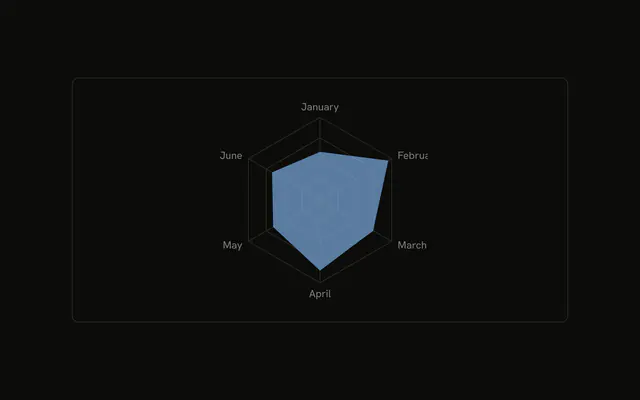
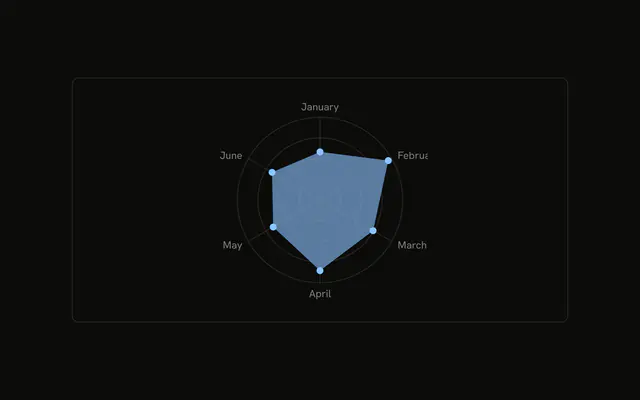
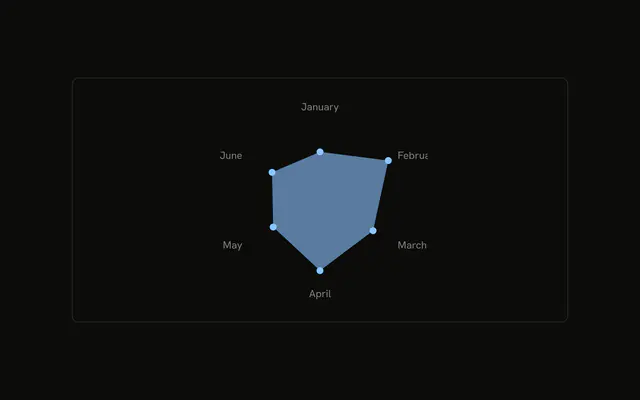
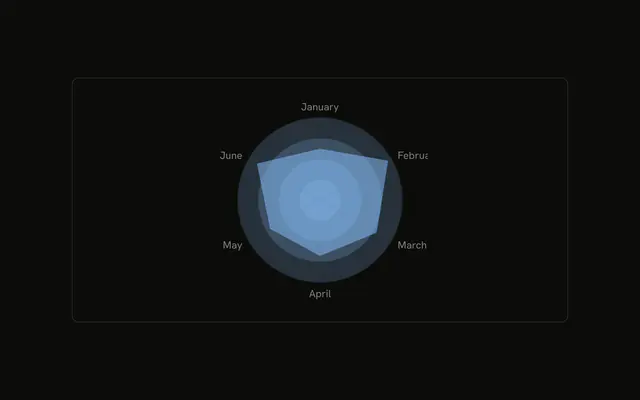
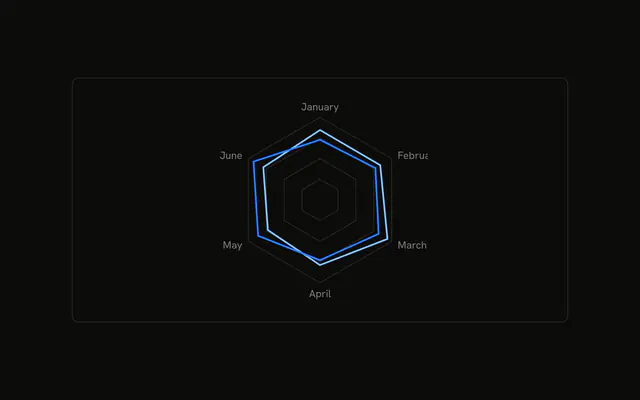
One filled desktop shape. The grid is a single outer ring, with no spokes. Month names stay at the corners.
Use a single ring when the full grid is more than the chart needs. Add a circular grid back if you still want a scale. For the six numbers, use a Table. In React, Base UI does not reduce the grid to one ring. You set that, and you pass the months.
Installation
Anatomy

Usage
<div className="w-full max-w-xl rounded-md border bg-background p-4">
  <ChartContainer
    className="mx-auto aspect-square max-h-[250px]"
    config={chartConfig}
  >
    <RadarChart data={chartData}>
      <ChartTooltip
        content={<ChartTooltipContent hideLabel />}
        cursor={false}
      />
      <PolarGrid polarRadius={[90]} radialLines={false} strokeWidth={1} />
      <PolarAngleAxis dataKey="month" />
      <Radar
        dataKey="desktop"
        fill="var(--color-desktop)"
        fillOpacity={0.6}
      />
    </RadarChart>
  </ChartContainer>
</div>
FAQ
How is the grid reduced to one ring?
PolarGrid sets polarRadius to [90], radialLines to false, and strokeWidth to 1. That array is a single radius, so the grid is one ring and the spokes are off.
Where do the month names come from?
PolarAngleAxis sets dataKey to month, so the axis prints the stored names, January through June.
How is the shape filled?
Radar uses dataKey desktop, fill var(--color-desktop), and fillOpacity 0.6. config maps desktop to var(--chart-1) and the label Desktop.
What does the tooltip show?
ChartTooltipContent sets hideLabel, and cursor is false. The row is named Desktop from config, with that month's desktop value.
API Reference
Chart
Sets config={chartConfig} and hideLabel. The rest is on the Chart page.