shadcn.io is an independent project built on shadcn/ui
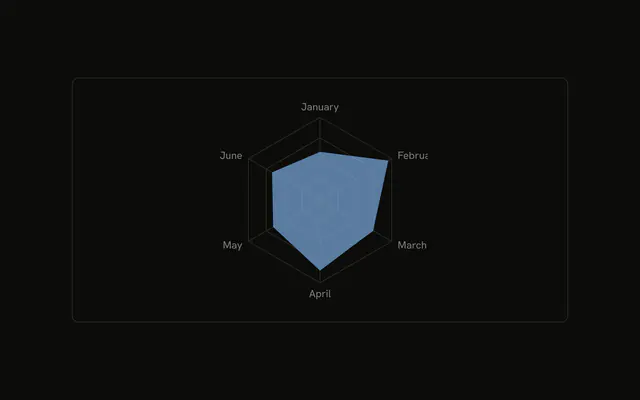
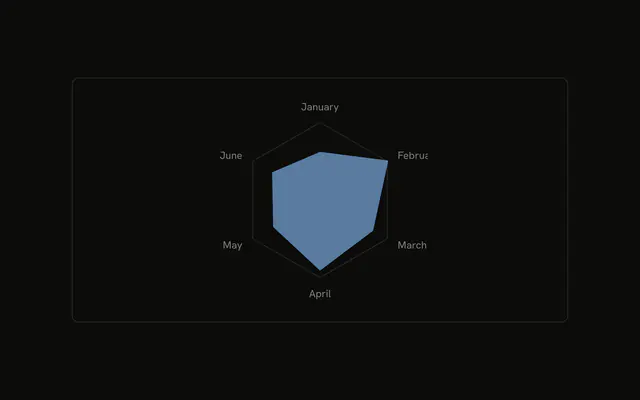
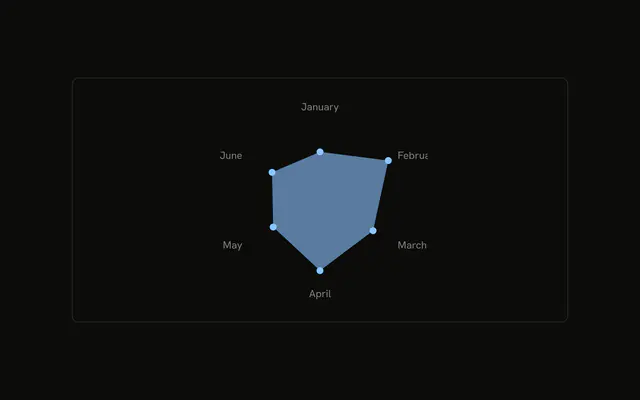
The default polygon grid is tinted with the desktop color. The data shape is filled in that color at half strength. Month names sit at the corners.
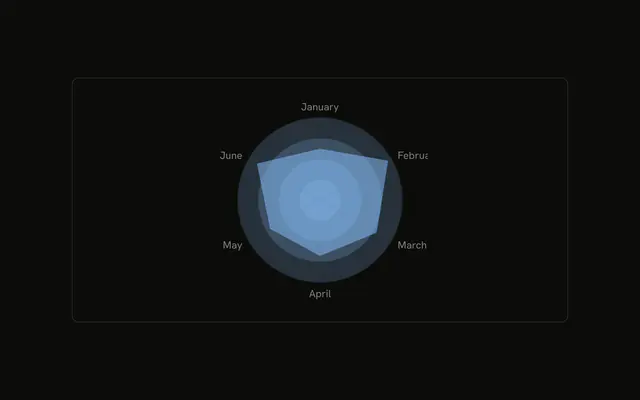
Use a tinted polygon when the shape needs a little depth behind it. A round tint fits better if you want distance from the center to read as circles. For the six numbers, use a Table. In React, Base UI turns the series color into a variable the grid and the shape both read. The months are the rows in the file.
Installation
Anatomy

Usage
<div className="w-full max-w-xl rounded-md border bg-background p-4">
  <ChartContainer
    className="mx-auto aspect-square max-h-[250px]"
    config={chartConfig}
  >
    <RadarChart data={chartData}>
      <ChartTooltip
        content={<ChartTooltipContent hideLabel />}
        cursor={false}
      />
      <PolarGrid className="fill-(--color-desktop) opacity-20" />
      <PolarAngleAxis dataKey="month" />
      <Radar
        dataKey="desktop"
        fill="var(--color-desktop)"
        fillOpacity={0.5}
      />
    </RadarChart>
  </ChartContainer>
</div>
FAQ
How is the grid tinted?
PolarGrid keeps polygon rings and sets className to fill-(--color-desktop) opacity-20. The rings are filled with the desktop color at 20% opacity.
How is the data shape filled?
Radar uses dataKey desktop, fill var(--color-desktop), and fillOpacity 0.5. config maps desktop to var(--chart-1) and the label Desktop, which becomes --color-desktop.
Where do the month names come from?
PolarAngleAxis sets dataKey to month, so the rim prints the stored names, January through June. Radar in this file has no dot.
What does the tooltip show?
ChartTooltipContent sets hideLabel, and cursor is false. The row is named Desktop from config, with that month's desktop value.
API Reference
Chart
Sets config={chartConfig} and hideLabel. The rest is on the Chart page.