shadcn.io is an independent project built on shadcn/ui
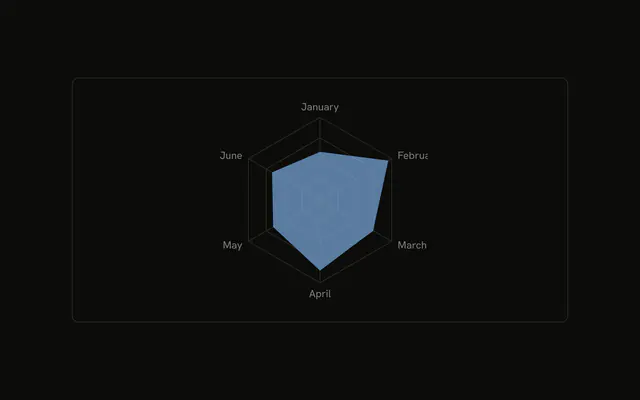
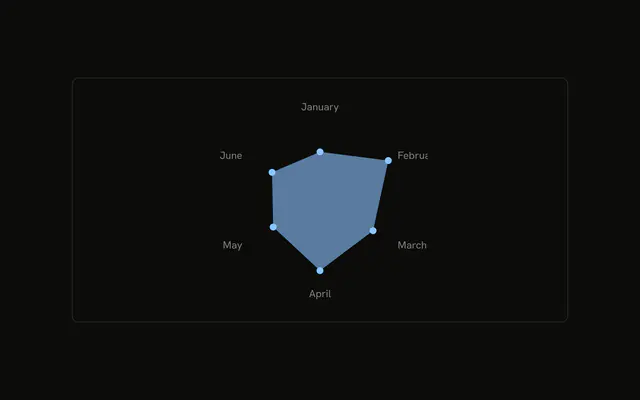
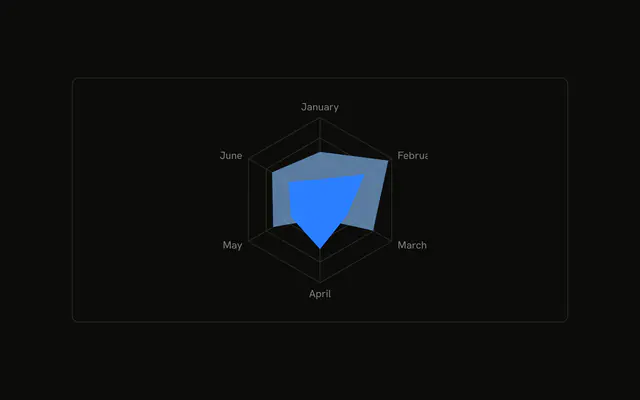
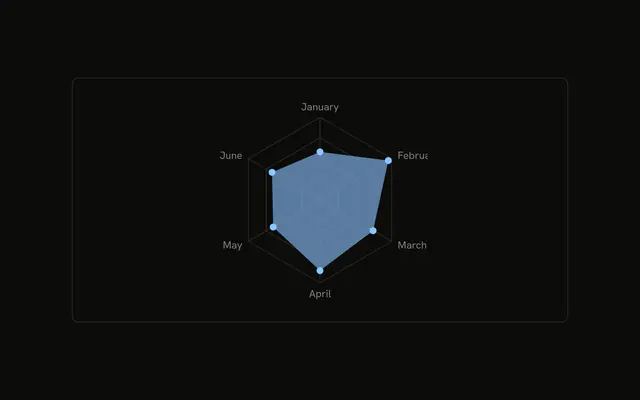
Desktop and mobile as two outlines, with no fill, so neither covers the other. The grid has no spokes. Month names stay at the corners.
Use outlines when two filled shapes would hide each other. Fill one of them if a single profile is the point. A Table lists both columns without overlap. In React, Base UI does not drop the fill or the spokes. You set both.
Installation
Anatomy

Usage
<div className="w-full max-w-xl rounded-md border bg-background p-4">
  <ChartContainer
    className="mx-auto aspect-square max-h-[250px]"
    config={chartConfig}
  >
    <RadarChart data={chartData}>
      <ChartTooltip
        content={<ChartTooltipContent indicator="line" />}
        cursor={false}
      />
      <PolarAngleAxis dataKey="month" />
      <PolarGrid radialLines={false} />
      <Radar
        dataKey="desktop"
        fill="var(--color-desktop)"
        fillOpacity={0}
        stroke="var(--color-desktop)"
        strokeWidth={2}
      />
      <Radar
        dataKey="mobile"
        fill="var(--color-mobile)"
        fillOpacity={0}
        stroke="var(--color-mobile)"
        strokeWidth={2}
      />
    </RadarChart>
  </ChartContainer>
</div>
FAQ
How do I draw the radar as an outline?
Each Radar sets fillOpacity={0}, stroke to its series color, and strokeWidth={2}. Desktop uses var(--color-desktop) and mobile uses var(--color-mobile). The fill is still set, and fillOpacity={0} makes it transparent so only the stroke shows.
How do I hide the spokes?
PolarGrid sets radialLines={false}. The concentric grid stays, and the lines from the center out to each month are omitted. PolarAngleAxis still prints month with dataKey="month".
How are the two outlines told apart?
Two Radar components share one RadarChart and the same chartData. dataKey is desktop on one and mobile on the other. config names them Desktop and Mobile and maps their colors to var(--chart-1) and var(--chart-2).
What does the tooltip list?
ChartTooltipContent sets indicator="line", a short bar in the series color beside each name. Hovering a month lists both Desktop and Mobile. cursor={false} on ChartTooltip turns the hover cursor off.
API Reference
Chart
Sets config={chartConfig} and indicator="line". The rest is on the Chart page.