shadcn.io is an independent project built on shadcn/ui
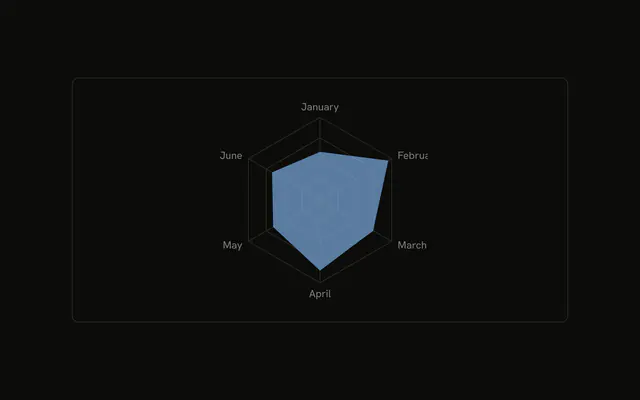
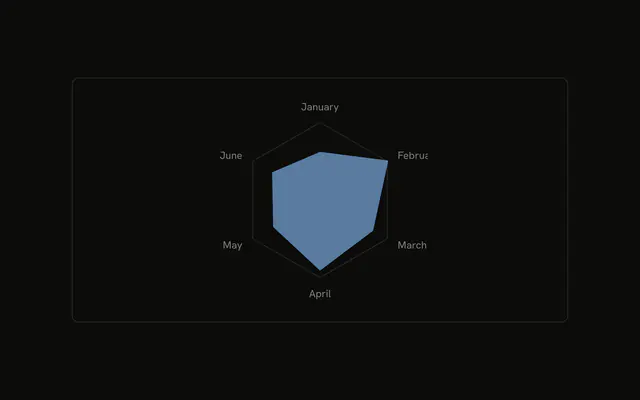
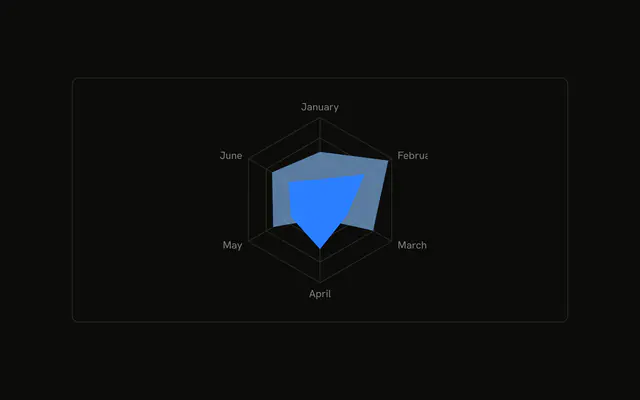
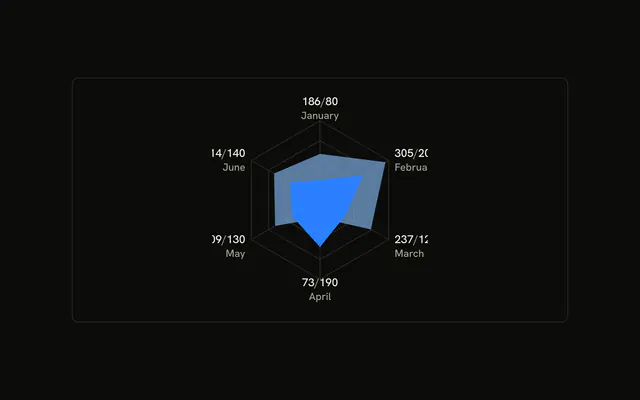
Desktop and mobile filled on a polygon grid. A value scale runs along one spoke. There are no month names around the rim. The tooltip uses the month as its title.
Use the scale when readers need a number for distance from the center. Put the months back on the rim if the names matter more than the scale. For both columns, use a Table. In React, Base UI does not draw that scale. You add the radius axis, and you pass both series.
Installation
Anatomy

Usage
<div className="w-full max-w-xl rounded-md border bg-background p-4">
  <ChartContainer
    className="mx-auto aspect-square max-h-[250px]"
    config={chartConfig}
  >
    <RadarChart data={chartData}>
      <ChartTooltip
        content={<ChartTooltipContent indicator="line" labelKey="month" />}
        cursor={false}
      />
      <PolarGrid />
      <Radar
        dataKey="desktop"
        fill="var(--color-desktop)"
        fillOpacity={0.6}
      />
      <Radar dataKey="mobile" fill="var(--color-mobile)" />
      <PolarRadiusAxis
        angle={60}
        axisLine={false}
        orientation="middle"
        stroke="var(--foreground)"
      />
    </RadarChart>
  </ChartContainer>
</div>
FAQ
How is the value scale drawn?
PolarRadiusAxis sets angle to 60, orientation to middle, axisLine to false, and stroke to var(--foreground). The ticks sit along that spoke, and the axis line itself is off.
Where are the month names?
The months live on each row as month. This chart has no PolarAngleAxis, so those names stay off the rim. The tooltip points at the field with labelKey month.
Which shapes are filled?
One Radar uses dataKey desktop, fill var(--color-desktop), and fillOpacity 0.6. The other uses dataKey mobile and fill var(--color-mobile). config colors them with var(--chart-1) and var(--chart-2).
What does the tooltip show?
ChartTooltipContent sets indicator to line and labelKey to month, and cursor is false. The series rows are named Desktop and Mobile from config. The month values here are words like January, and those words are not keys in config.
API Reference
Chart
Sets config={chartConfig}, indicator="line" and labelKey="month". The rest is on the Chart page.