shadcn.io is an independent project built on shadcn/ui
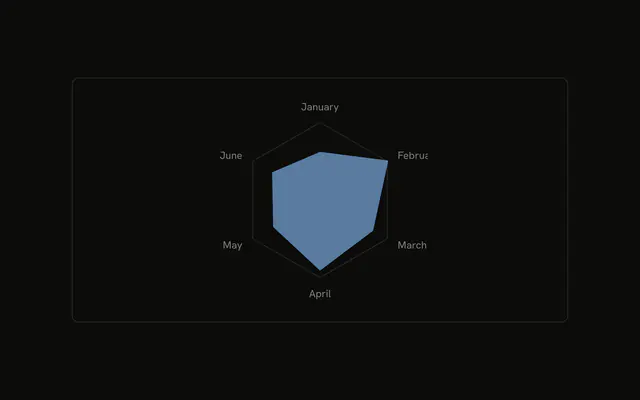
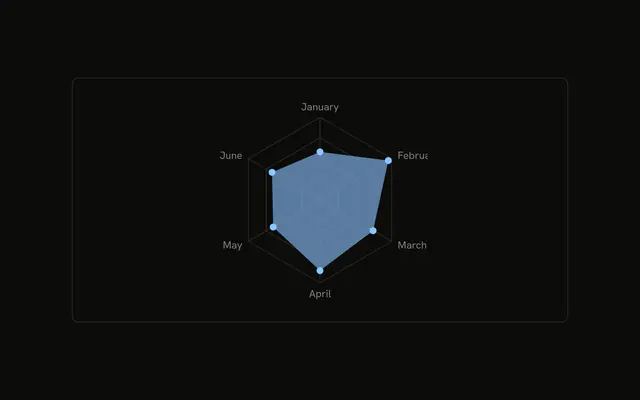
A filled desktop shape with a dot on each month and the month labels, and no grid behind it. The tooltip does not repeat the month.
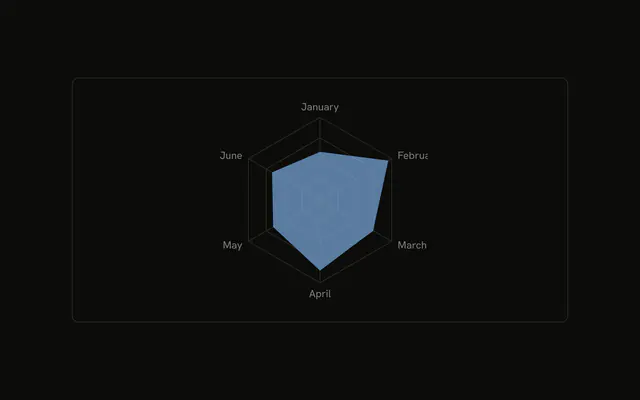
Use it when the profile is the point and a scale would clutter it. Put the grid back if people need to judge distance from the center. A Table holds the values either way. In React, Base UI does not remove the grid. You leave it out, and you pass the rows.
Installation
Anatomy

Usage
<div className="w-full max-w-xl rounded-md border bg-background p-4">
  <ChartContainer
    className="mx-auto aspect-square max-h-[250px]"
    config={chartConfig}
  >
    <RadarChart data={chartData}>
      <ChartTooltip
        content={<ChartTooltipContent hideLabel />}
        cursor={false}
      />
      <PolarAngleAxis dataKey="month" />
      <Radar
        dataKey="desktop"
        dot={{
          fillOpacity: 1,
          r: 4,
        }}
        fill="var(--color-desktop)"
        fillOpacity={0.6}
      />
    </RadarChart>
  </ChartContainer>
</div>
FAQ
How do I remove the radar grid?
Leave PolarGrid out. This file renders PolarAngleAxis and one Radar only, so the month names and the shape are the whole chart.
How are the points marked without a grid?
Radar sets dot to { r: 4, fillOpacity: 1 }, so each month is a solid dot. dataKey="desktop" and fill="var(--color-desktop)" color the polygon, with fillOpacity={0.6}.
Why doesn't the tooltip repeat the month?
ChartTooltipContent sets hideLabel, which hides the tooltip title. PolarAngleAxis already shows month. The row is still Desktop from config, plus the value. cursor={false} turns the hover cursor off.
Where does the fill color come from?
The desktop entry in config sets label to Desktop and color to var(--chart-1). ChartContainer writes that as --color-desktop, and Radar reads it with fill="var(--color-desktop)".
API Reference
Chart
Sets config={chartConfig} and hideLabel. The rest is on the Chart page.