shadcn.io is an independent project built on shadcn/ui
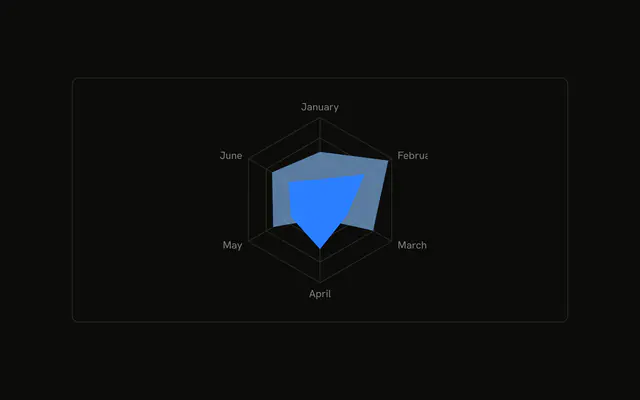
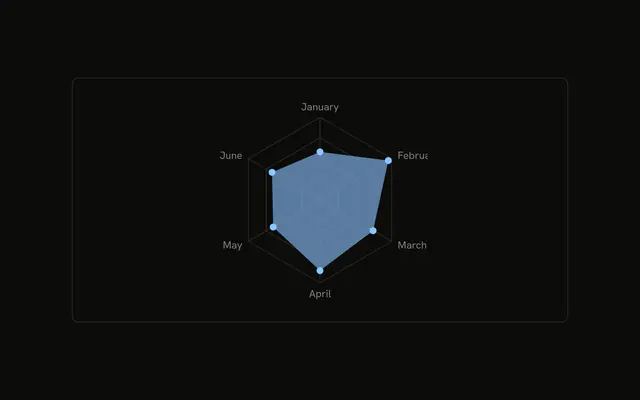
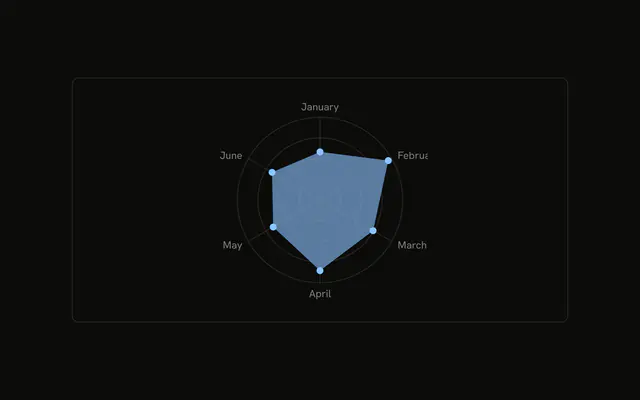
Desktop visitors across six months as one filled shape on a polygon grid. Month names sit at the corners. The tooltip shows the hovered month's value.
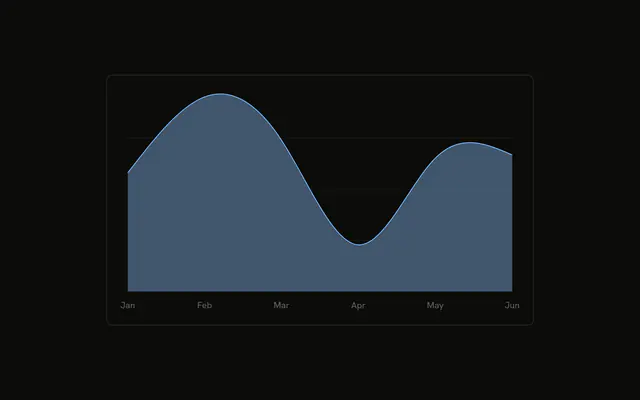
Use a radar to compare one series across several axes at once. A line chart is clearer for a trend through time. A Table is clearer for the six numbers. In React, Base UI does not draw the shape. You pass the months.
Installation
Anatomy

Usage
<div className="w-full max-w-xl rounded-md border bg-background p-4">
  <ChartContainer
    className="mx-auto aspect-square max-h-[250px]"
    config={chartConfig}
  >
    <RadarChart data={chartData}>
      <ChartTooltip content={<ChartTooltipContent />} cursor={false} />
      <PolarAngleAxis dataKey="month" />
      <PolarGrid />
      <Radar
        dataKey="desktop"
        fill="var(--color-desktop)"
        fillOpacity={0.6}
      />
    </RadarChart>
  </ChartContainer>
</div>
FAQ
How is the series drawn?
One Radar sets dataKey="desktop", fill="var(--color-desktop)", and fillOpacity={0.6}. ChartContainer defines --color-desktop from config, where label is Desktop and color is var(--chart-1).
How do months become the corners?
PolarAngleAxis reads dataKey="month". chartData has one row per month, January through June, and that row's desktop value is a vertex. Add a row to add a corner.
What does PolarGrid draw?
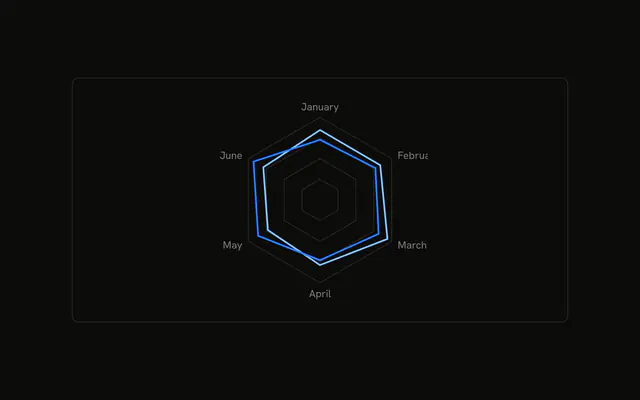
PolarGrid draws the concentric rings and the spokes. fillOpacity={0.6} on Radar leaves those rings visible through the fill. This demo doesn't pass grid props, so the grid stays a polygon.
What does the tooltip show?
ChartTooltip renders ChartTooltipContent and sets cursor={false}. The title is the hovered month, and the row is Desktop with that month's value. Keep the tooltip inside ChartContainer so it can read config.
API Reference
Chart
Sets config={chartConfig}. The rest is on the Chart page.